






Video Tutorials for Showcontroller - professional laser show software

Tutorial videos for the Showcontroller laser software explain the use of the software for beginners and experts alike. Many tutorial videos explain small parts of the software and give answers to common questions. Other videos show longer sequences of how a laser show is created with Showcontroller and how Showcontroller can be used for a live laser show.
How to work with the Catalog File in Showcontroller - explained | Laserworld

How to work with the Catalog File in Showcontroller - explained | Laserworld
Showcontroller - Update Release 2021 | Laserworld

Showcontroller - Update Release 2021 | Laserworld
Different Software parts of Showcontroller - explained | Laserworld

Different Software parts of Showcontroller - explained | Laserworld
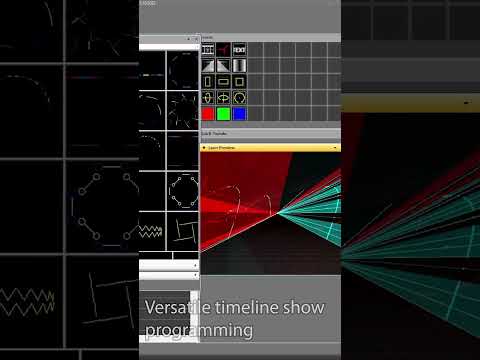
Program a laser show with Showcontroller RealTime - explained | Laserworld

Program a laser show with Showcontroller RealTime - explained | Laserworld
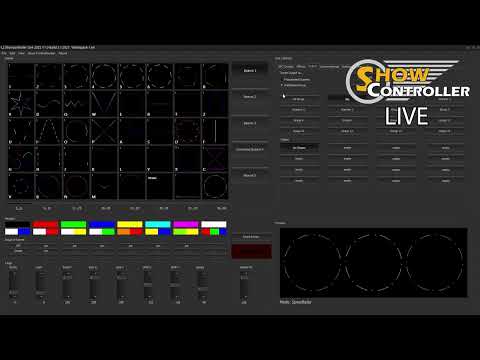
Showcontroller LIVE - Basics - how to use, explained | Laserworld

Showcontroller LIVE - Basics - how to use, explained | Laserworld
Showcontroller Live - Programming Scenes - explained | Laserworld

Showcontroller Live - Programming Scenes - explained | Laserworld
Showcontroller Tracer - import your own logo - explained | Laserworld

Showcontroller Tracer - import your own logo - explained | Laserworld
Showcontroller - the professional laser and multimedia software

Showcontroller - the professional laser and multimedia software
Showcontroller - Testpictures, Scanner Settings, Geometric Correction - explained | Laserworld

Showcontroller - Testpictures, Scanner Settings, Geometric Correction - explained | Laserworld
Trace a Logo with Showcontroller Tracer - Logo projection with laser | Showcontroller

Trace a Logo with Showcontroller Tracer - Logo projection with laser | Showcontroller
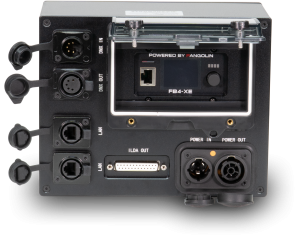
Unboxing the ShowNET OEM kit - laser mainboard for integrators and laser companies

Unboxing the ShowNET OEM kit - laser mainboard for integrators and laser companies
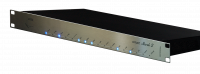
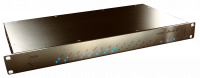
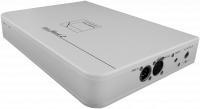
Showcontroller compatible Interfaces / DACs - MicroUSB, MicroNET slim, ShowNET

Showcontroller compatible Interfaces / DACs - MicroUSB, MicroNET slim, ShowNET
Explaining the ShowNET Admin Tool

Explaining the ShowNET Admin Tool
ShowNET Admin Tool 1.38 explained, including Zone Setting and Setup & Store mode | Laserworld

ShowNET Admin Tool 1.38 explained, including Zone Setting and Setup & Store mode | Laserworld
Showcontroller - How to use Media / Video Files in Showcontroller | Laserworld

Showcontroller - How to use Media / Video Files in Showcontroller | Laserworld
Showcontroller - use CAPTURE as visualizer with Showcontroller laser show software

Showcontroller - use CAPTURE as visualizer with Showcontroller laser show software
How to use REALIZZER or Depence2 als visualizers with Showcontroller laser control software

How to use REALIZZER or Depence2 als visualizers with Showcontroller laser control software
Showcontroller - import ILDA files and ILDA animations

Showcontroller - import ILDA files and ILDA animations
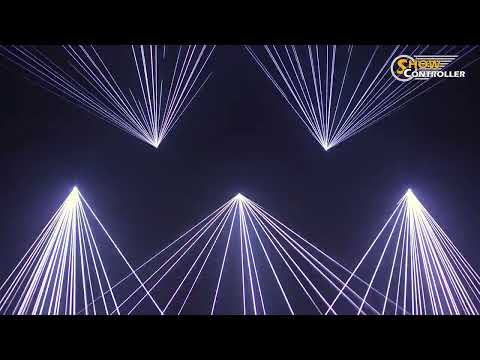
Lasershow "Handball" with beams and graphics | Laserworld

Lasershow "Handball" with beams and graphics | Laserworld
The difference between ShowNET, Showeditor and Showcontroller - explanation video | Laserworld

The difference between ShowNET, Showeditor and Showcontroller - explanation video | Laserworld
Showcontroller - professional laser show software suite

Showcontroller - professional laser show software suite
Showcontroller  - professional laser show and multimedia show software suite

Showcontroller - professional laser show and multimedia show software suite
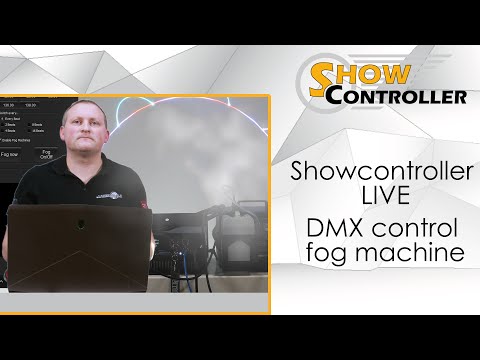
Showcontroller LIVE - how to DMX control fog machines directly from LIVE

Showcontroller LIVE - how to DMX control fog machines directly from LIVE