










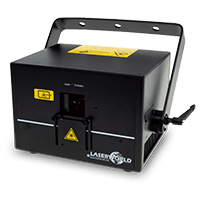
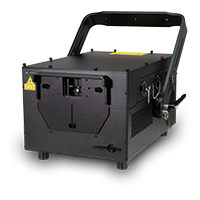
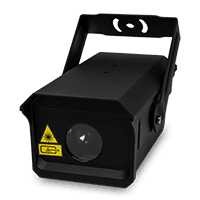
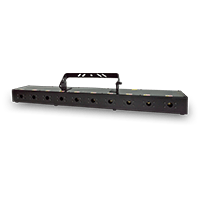
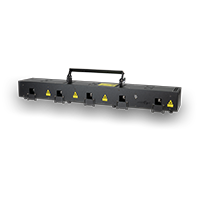

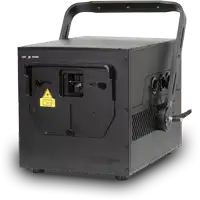

Modulaser is directly ShowNET compatible

Build laser visuals, then route them directly to ShowNET
Modulaser is cross-platform laser-show software with a node-based creative workflow, live performance controls, cues, timeline programming and multi-DAC output.
Projectors with built-in ShowNET and standalone ShowNET interfaces are supported over Ethernet on macOS, Windows and Linux.
Visit Modulaser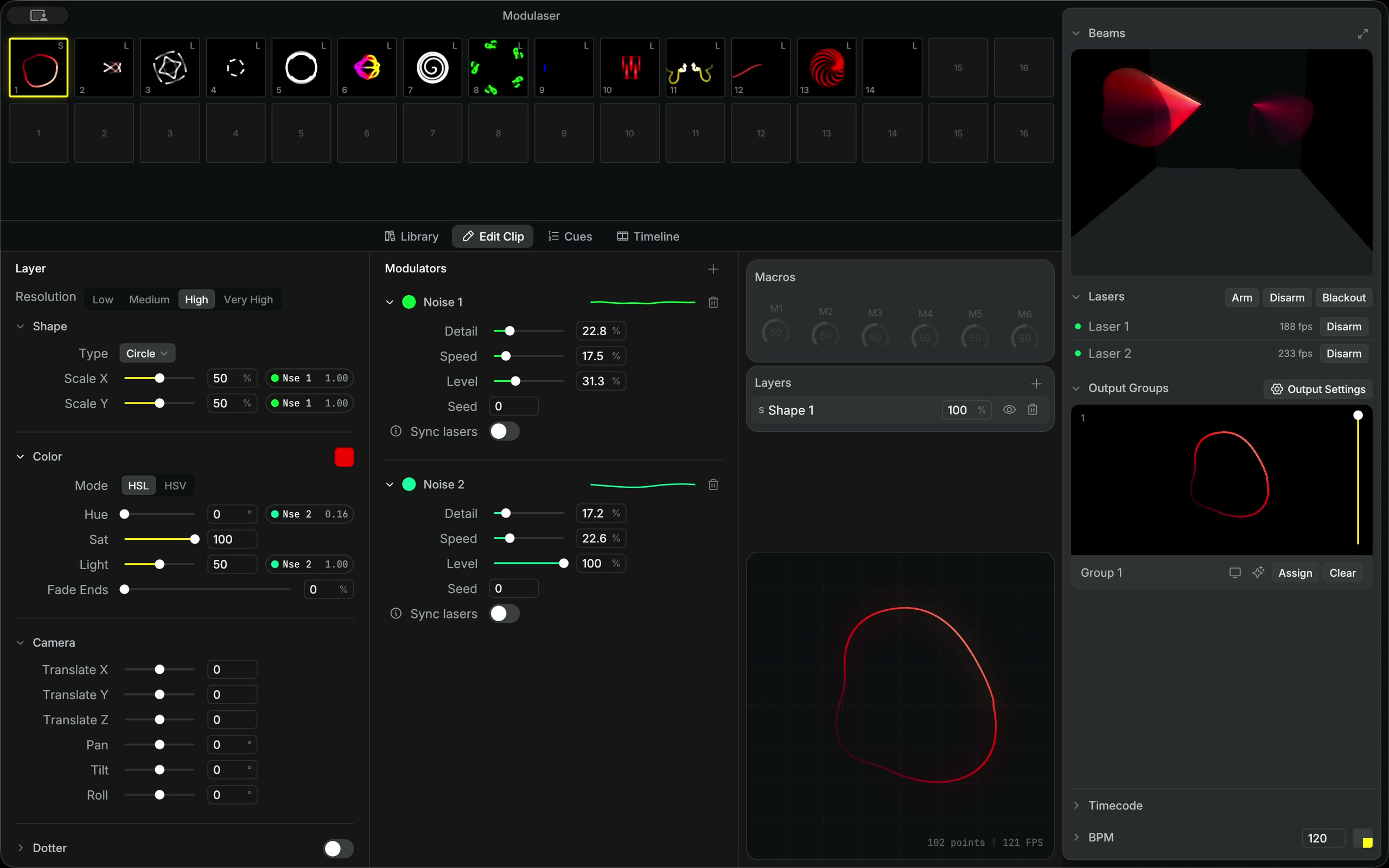
Modulaser and ShowNET
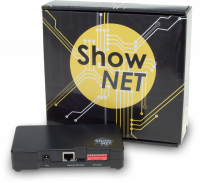
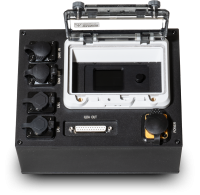
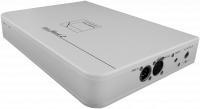
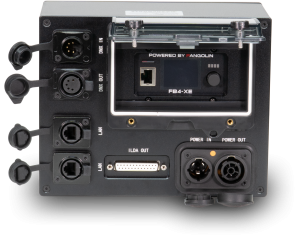
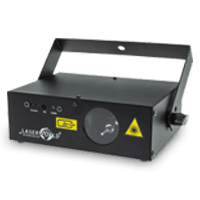
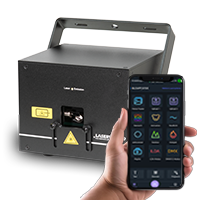
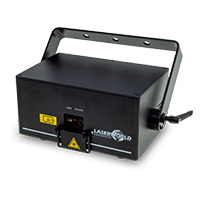
Modulaser connects to Laserworld projectors with built-in ShowNET as well as to standalone ShowNET DACs used with ILDA-equipped projectors.
Once the ShowNET device and computer are available on the same network, Modulaser can discover the interface and assign it to a laser output. No separate USB DAC is required for a projector with ShowNET built in.
From a modular patch to a complete show
Modulaser combines hands-on visual creation with the tools needed to prepare, sequence and operate multi-projector laser productions.
Node Graph Editor
Connect sources, effects and outputs on a visual canvas to create reusable laser patches.
Timeline and cues
Program frame-accurate timelines with automation and fades, or trigger beat-synchronised cues live.
Multi-DAC output
Send synchronised content to multiple laser outputs and route different visuals through output groups.
Video-to-laser input
Vectorise NDI or Syphon video sources and include them in a real-time laser patch.
3D beam view
Preview a laser rig in a simulated room and check projector positions, scan angles and mapping.
Live control
Use MIDI, OSC, audio input, MIDI clock or Ableton Link to control and synchronise a performance.
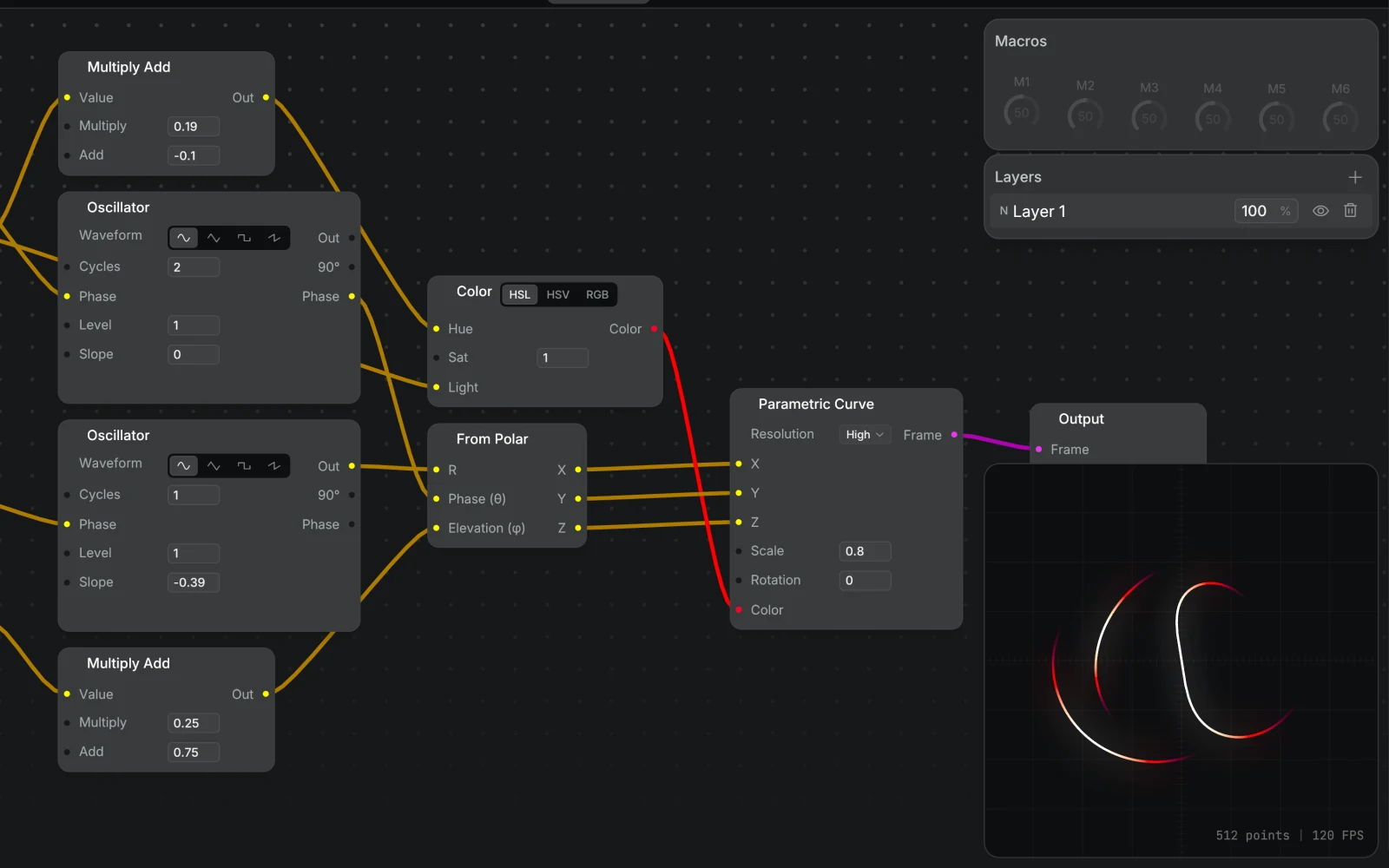
Visual patching
Build signal flows by connecting generators, modifiers and laser outputs.
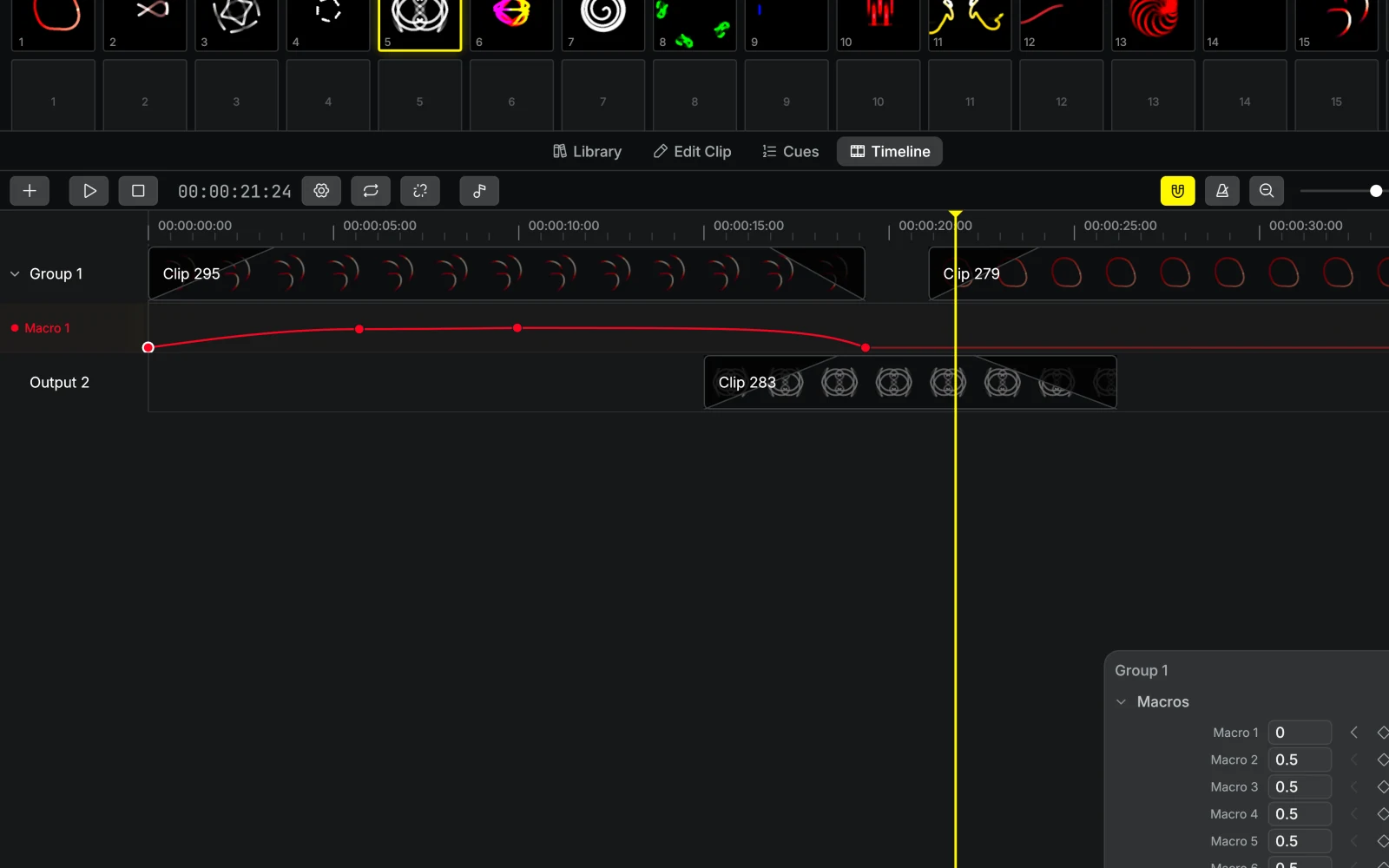
Sequence or perform
Arrange a programmed show on the timeline or work with live cues.
A straightforward ShowNET workflow
Modulaser’s documentation includes a dedicated Laserworld / ShowNET setup guide. The basic connection uses the projector and control computer on the same Ethernet network.
- Connect the ShowNET-equipped projector or interface to the computer or local network.
- Open Modulaser, add a laser and select the discovered ShowNET device as its DAC.
- Create an output group and assign the laser and desired clip.
- Run the output calibration, verify the safety setup and arm output only when the projection area is safe.
Available for macOS, Windows and Linux
Modulaser can be tried free of charge. Visit the product site for current downloads, licensing and complete feature information, or open the dedicated ShowNET documentation for connection and troubleshooting guidance.