



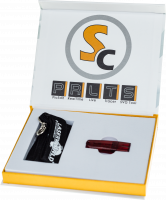
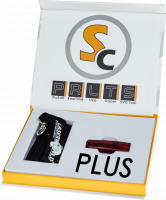

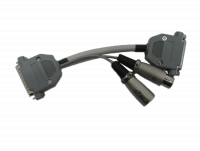
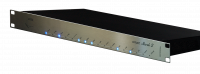
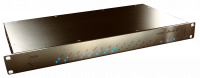
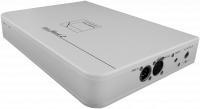



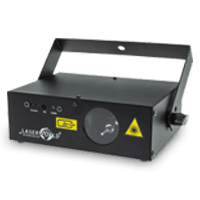
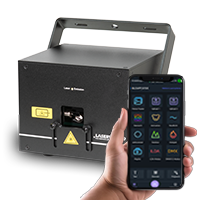
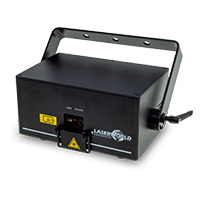
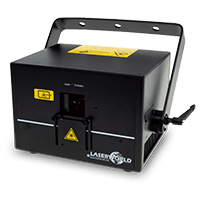
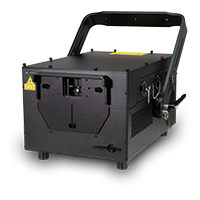
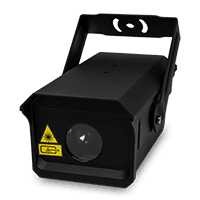
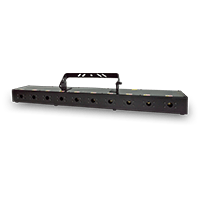
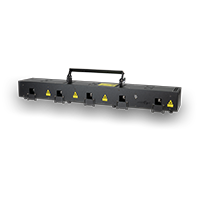

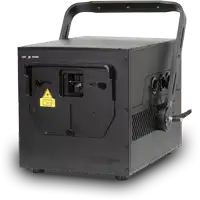






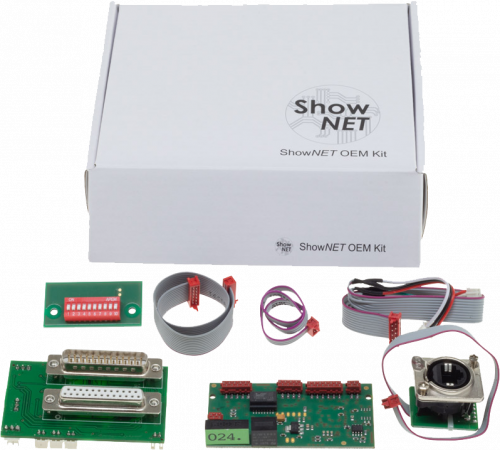
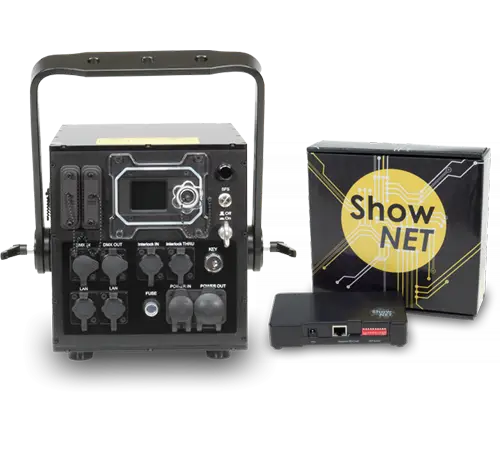
Integrated ShowNET mainboard
Installed inside the projector and connected directly to its internal signal path.
- No separate external enclosure
- Uses the projector's own connection panel
- Normally serves as an ILDA-stream receiver
ShowNET is the control and processing platform used in compatible laser projectors and as external interface. It combines network-based laser control, an integrated DAC, local content memory and professional lighting-control functions in one system.
ShowNET is available as an integrated mainboard inside a compatible projector or as an external interface for laser systems with ILDA input. Both versions share the same principal processing technology; the installation format and physical connections differ.
The main workflows are direct software control over Ethernet, playback from local memory, and control from professional lighting systems via DMX512 or Art-Net.

Compatible laser software sends the complete laser-control data stream directly to ShowNET over Ethernet. The integrated DAC converts the digital network data into the analogue scanner and colour signals used by the projector.

ILDA files stored on the integrated microSD card can be played without a permanently connected computer, either as an automatic sequence or as one repeatedly selected file.

Lighting consoles can select locally stored laser content and adjust parameters such as position, size, rotation, colour, intensity, animation speed and geometric effects.

The same internal content and effects engine can be addressed through the Ethernet connection from Art-Net consoles, controllers and compatible lighting software.
ShowNET incorporates the digital-to-analogue conversion required by the laser projector. Compatible applications can therefore communicate with the device directly through a standard Ethernet connection rather than requiring a separate USB-to-ILDA interface at the control computer.
One device can be connected directly, or several ShowNET-equipped systems can be integrated into normal network infrastructure using standard switches and cabling.
Showcontroller, Showeditor, MadMapper / MadLaser, TouchDesigner, ILD Render and Millumin are directly compatible softwares. An API / SDK for third-party integration is available on request for commercial projects. Compatibility should be verified for the software and operating-system version in use.
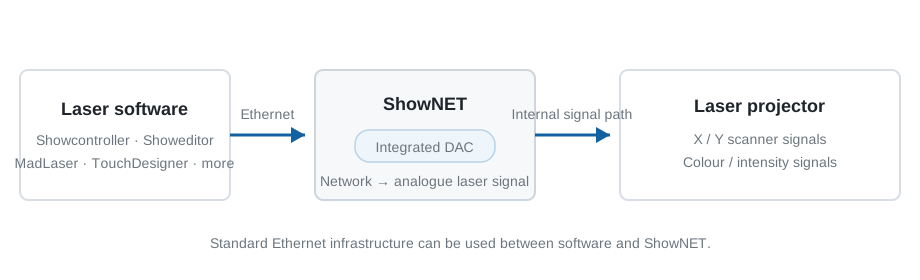
Simplified signal-flow diagram based on the documented ShowNET DAC workflow.
The microSD card acts as local content storage for static graphics, logos, animated graphics, abstract patterns, complete shows and test or alignment patterns. Custom ILDA files can be transferred to the device and remain available locally.
This local library is the basis for several ShowNET functions: stand-alone playback as well as individual content selection through DMX or Art-Net.
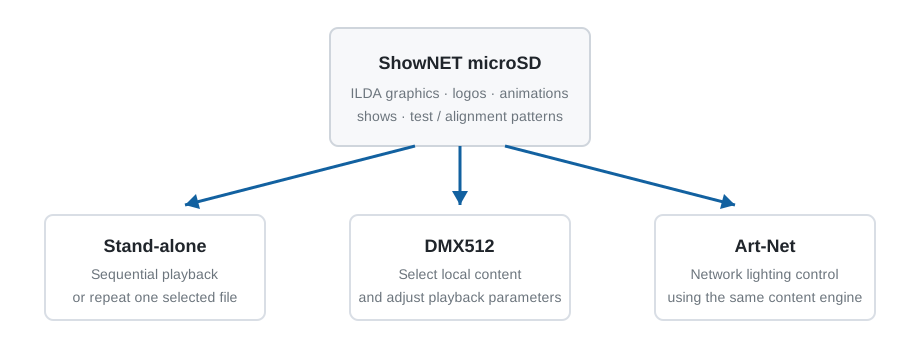
ShowNET can play content from its local memory without a permanently connected computer. Automatic playback reproduces the stored ILDA files sequentially, while single-file mode can continuously repeat a selected file.
Typical uses include fixed logo projection, repeating graphics or animations, test patterns and alignment patterns. Normal laser-safety requirements, interlocks and the installation-specific safety assessment continue to apply in stand-alone operation.
DMX512 commands can select files stored on the ShowNET microSD card and modify their playback parameters. This allows a laser to behave in a familiar fixture-oriented workflow while the actual graphical content remains stored locally in the projector or interface.
Lighting console → DMX → ShowNET
Stored content is selected locally; control channels modify its playback.
ShowNET can receive Art-Net data through its Ethernet connection. A lighting console or compatible software can address the same internal pattern and effects engine used by the DMX profiles.
Art-Net can control pattern selection, positioning, scaling, rotation, colour, intensity, animation and geometric effects. The ShowNET Admin Tool is used for input-source and addressing configuration.
ShowNET can also convert received Art-Net channel values to physical DMX output. This is a DMX-value conversion function and should not be interpreted as support for every optional Art-Net management feature.
The Admin Tool provides central configuration, maintenance and content-management functions for ShowNET devices.
This video already covers device testing, firmware, SD-card uploads, DMX / Art-Net settings, projection zones, safety zones and geometric corrections, so it is more useful here than recreating screenshots.
ILDA streaming and master/slave operation address different specialist requirements. They are intentionally presented separately from the primary control methods above.
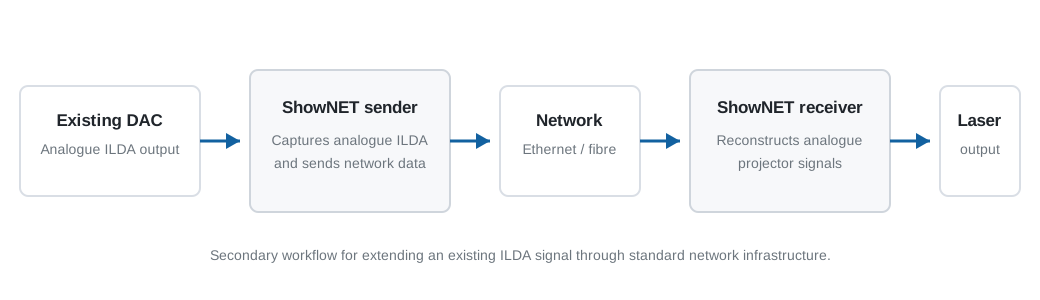
An external ShowNET interface can capture an incoming analogue ILDA signal, convert it into a digital network stream and send it through Ethernet infrastructure. A ShowNET receiver then converts the stream back into the analogue signals required by the destination projector.
This is particularly useful when an existing laser DAC must remain part of the system but the analogue ILDA cable run needs to be replaced by standard copper Ethernet or a suitable fibre network link.
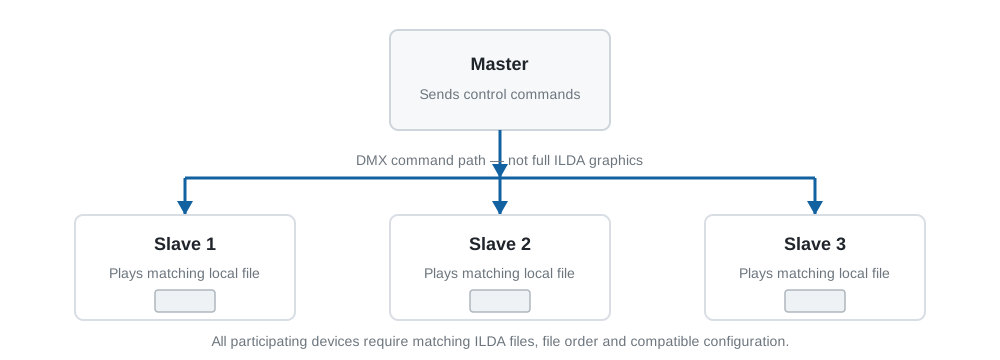
In a master/slave configuration, the master generates control commands while each slave reproduces the corresponding action through its own internal processing. The complete ILDA graphics are not transmitted through the master/slave connection.
For consistent playback, the participating devices must contain the same ILDA files in the same order and use compatible memory-card content, configuration and firmware.
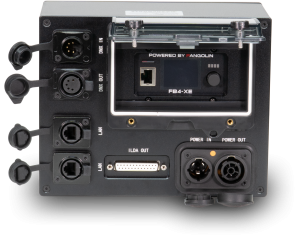
The underlying ShowNET processing concept is shared, but the physical format and connections differ between an integrated installation, the compact external interface and ShowNET PRO.
Installed inside the projector and connected directly to its internal signal path.
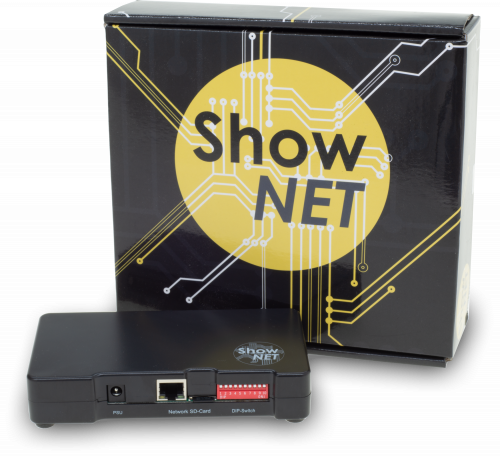
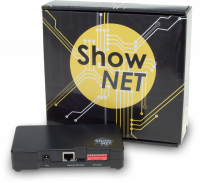
Compact external interface for compatible projectors with ILDA input.
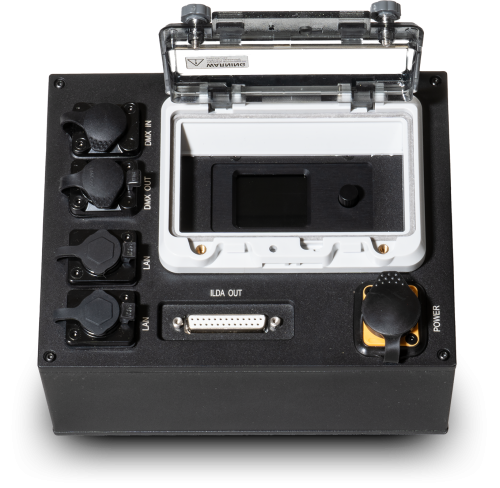
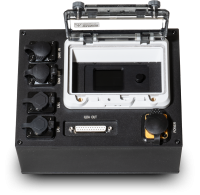
Rugged external version intended for professional and touring applications.