










Blender
Export Freestyle line sets, Grease Pencil strokes, gradients and animations from a 3D production workflow.
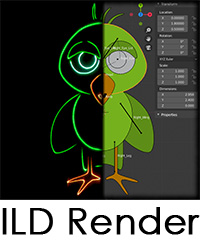
ILD Render connects Blender, Inkscape and Adobe After Effects to a dedicated laser-graphics optimisation and output application.
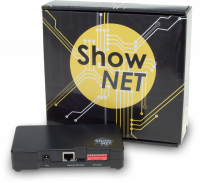
Changes can be previewed on a ShowNET-equipped projector in real time or exported as ILDA files for other compatible playback workflows.
Visit ILD Render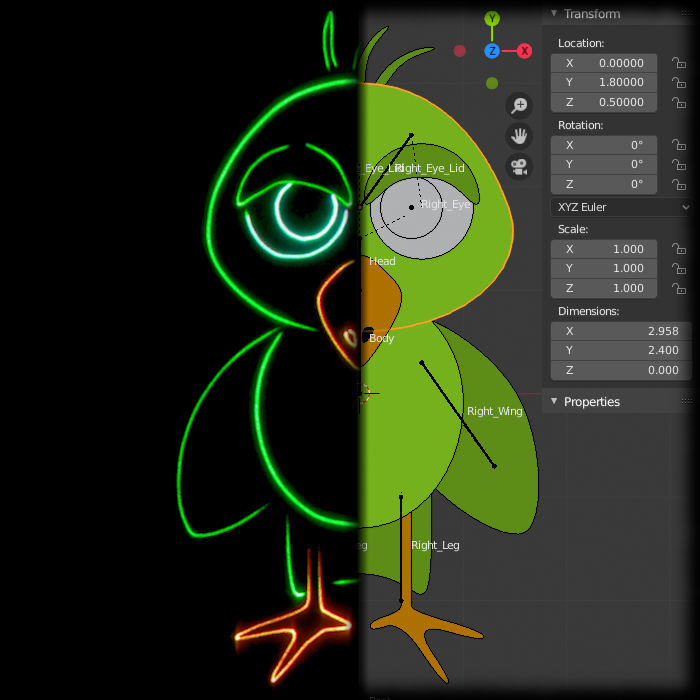
ILD Render supports Laserworld ShowNET as a direct hardware output. It can route layers to different projectors and output to as many as nine projectors simultaneously.
The connection uses standard Ethernet networking; no additional background laser application is required between ILD Render and ShowNET.
ILD Render receives layers and animation data through dedicated plugins, then applies scanner-specific optimisation before preview or export.
Export Freestyle line sets, Grease Pencil strokes, gradients and animations from a 3D production workflow.
Send vector paths, gradients and page-based animation frames from the open-source drawing application.
Export shape layers from motion-graphics compositions into the ILD Render workflow.
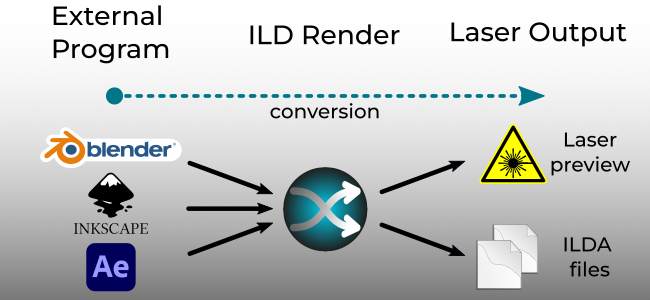
ILD Render inherits layers from the source application and can optimise each one differently. Layers can also be routed to separate projectors when one scanner cannot reproduce the complete scene efficiently.
ILD Render currently targets 64-bit Windows systems and works with supported versions of Blender, Inkscape and Adobe After Effects. Consult the official site before installation for the current application and plug-in requirements.



The ILD Render software is developed by automatic-BRAIN owned by Thomas Lachmann.
ILD Render website: https://ildrender.automatic-brain.de/