






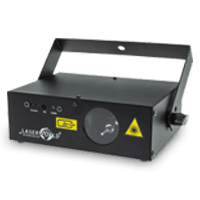
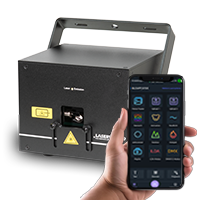
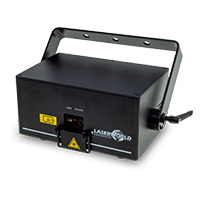
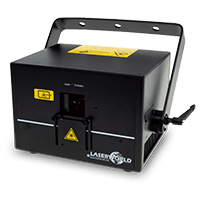

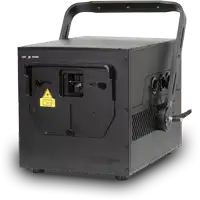

Laserworld CUBE Series - DMX Operation
Activate DMX Control with the APP:
See the description of the DMX functionality in the Cube Laser Control App hereActivate the DMX mode at the Laser:
Via the laser mainboard with display.
Set the correct DMX address on the Laser with using the rotary dial at the display, so it can be individually addressed via the DMX console / DMX control software. If deviceshave the same address, then they will follow the same control commands (not recommended, as individual control is not possible then).
To assign a specific DMX Address to the laser:
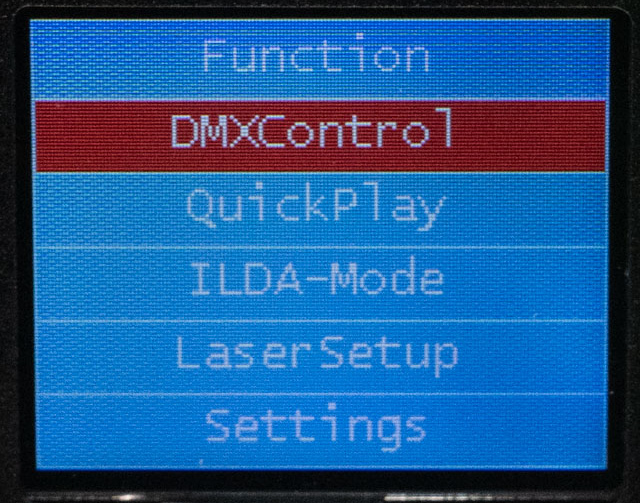
- Press the knob at the display, turn it to select "Function" and press the knob again
- Turn the knob until “DMXControl” is selected
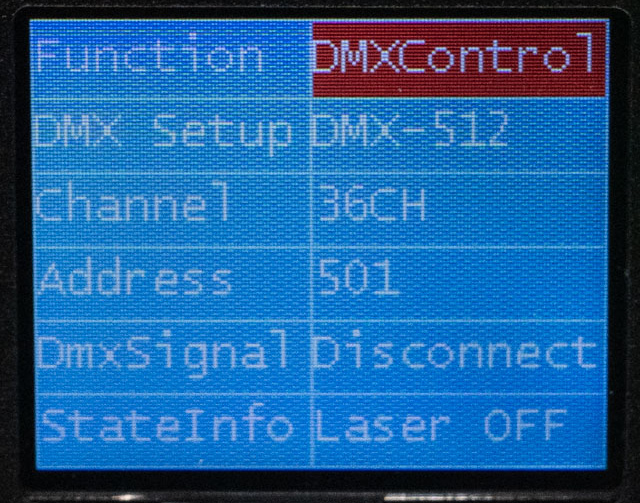
- Then select “DMX-512” in DMX Setup
- The channel mode can be selected there - either 16 channel or 36 channel operation is possible.
- The address can now either be selected manually or assigned automatically.