








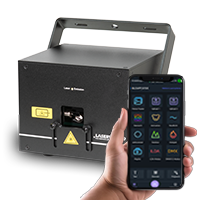


Switch between different Operation Modes in the Cube Laser Control App
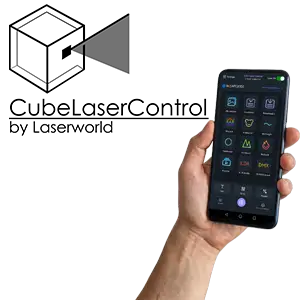
Different operation modes can be selected in the Cube Laser Control App to switch the laser between various control methods and usage scenarios. The selected mode defines how the laser is controlled, which functions are available in the app, and whether the control is handled by the app itself or by an external source (e.g. DMX or ILDA). Depending on the mode, the operation of the app will differ accordingly.
DMX Mode
In DMX mode, the laser can be controlled via an external DMX console. There are two ways to activate DMX control within the app.
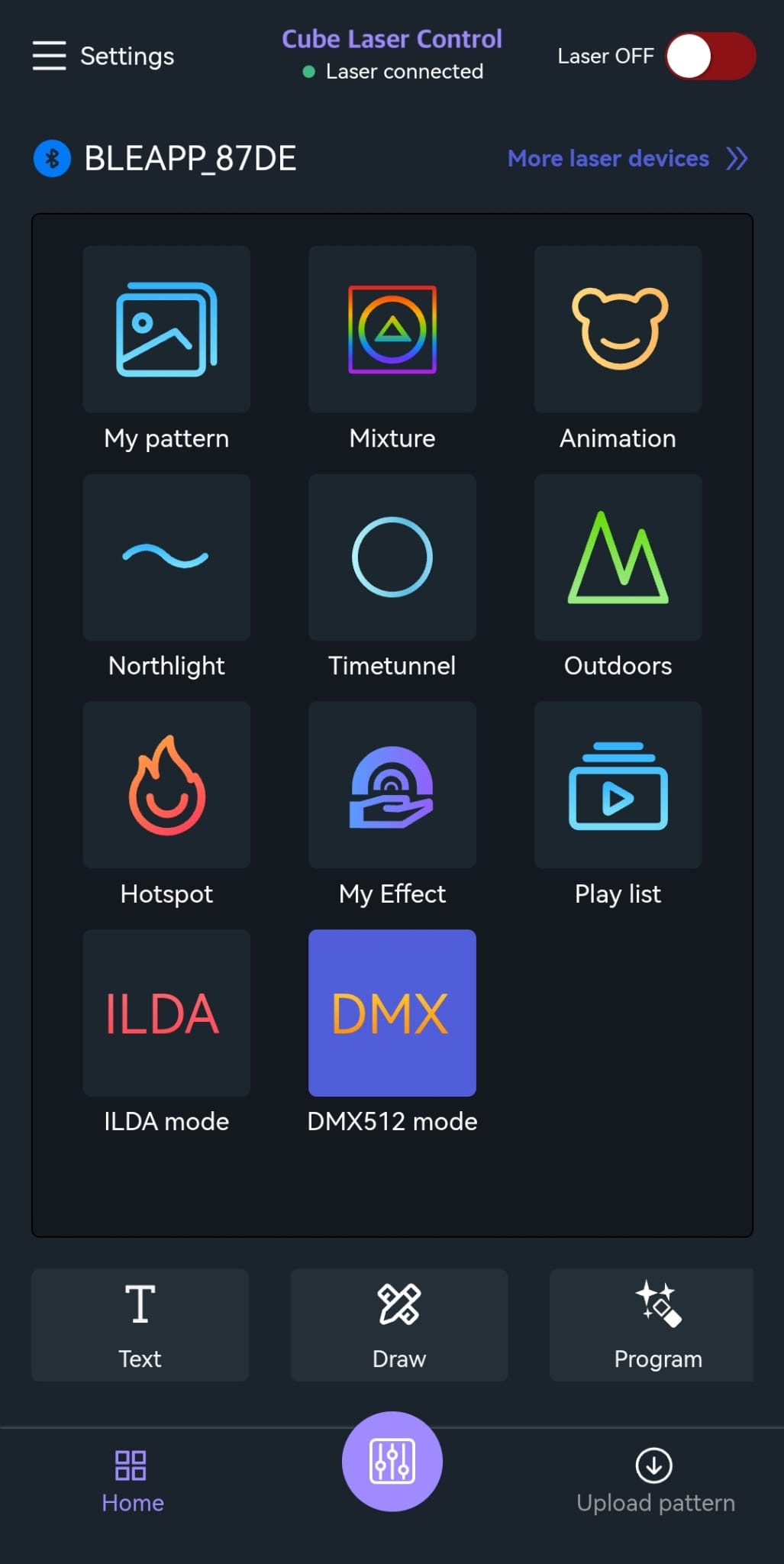
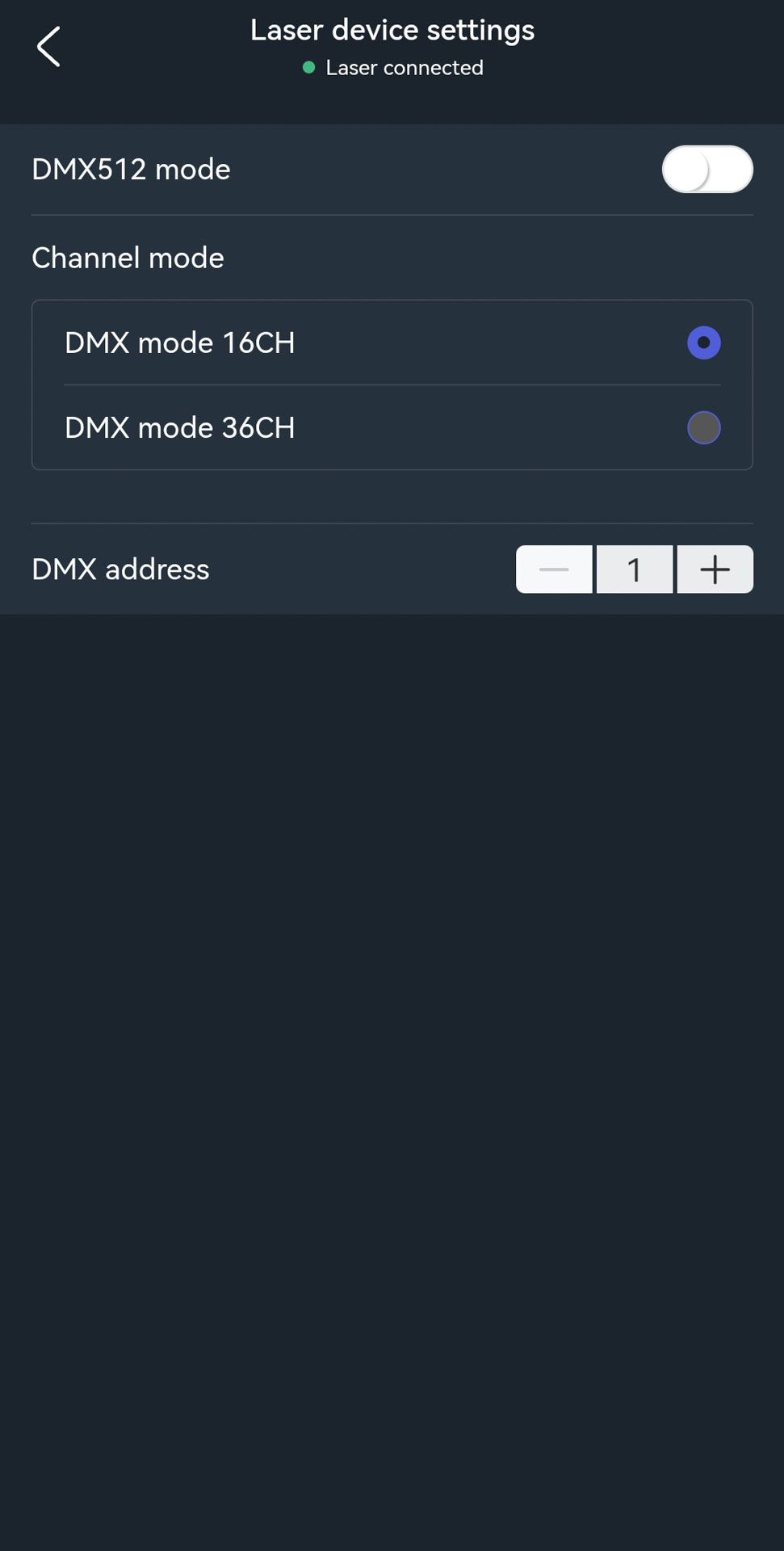
Option 1: DMX via the DMX icon
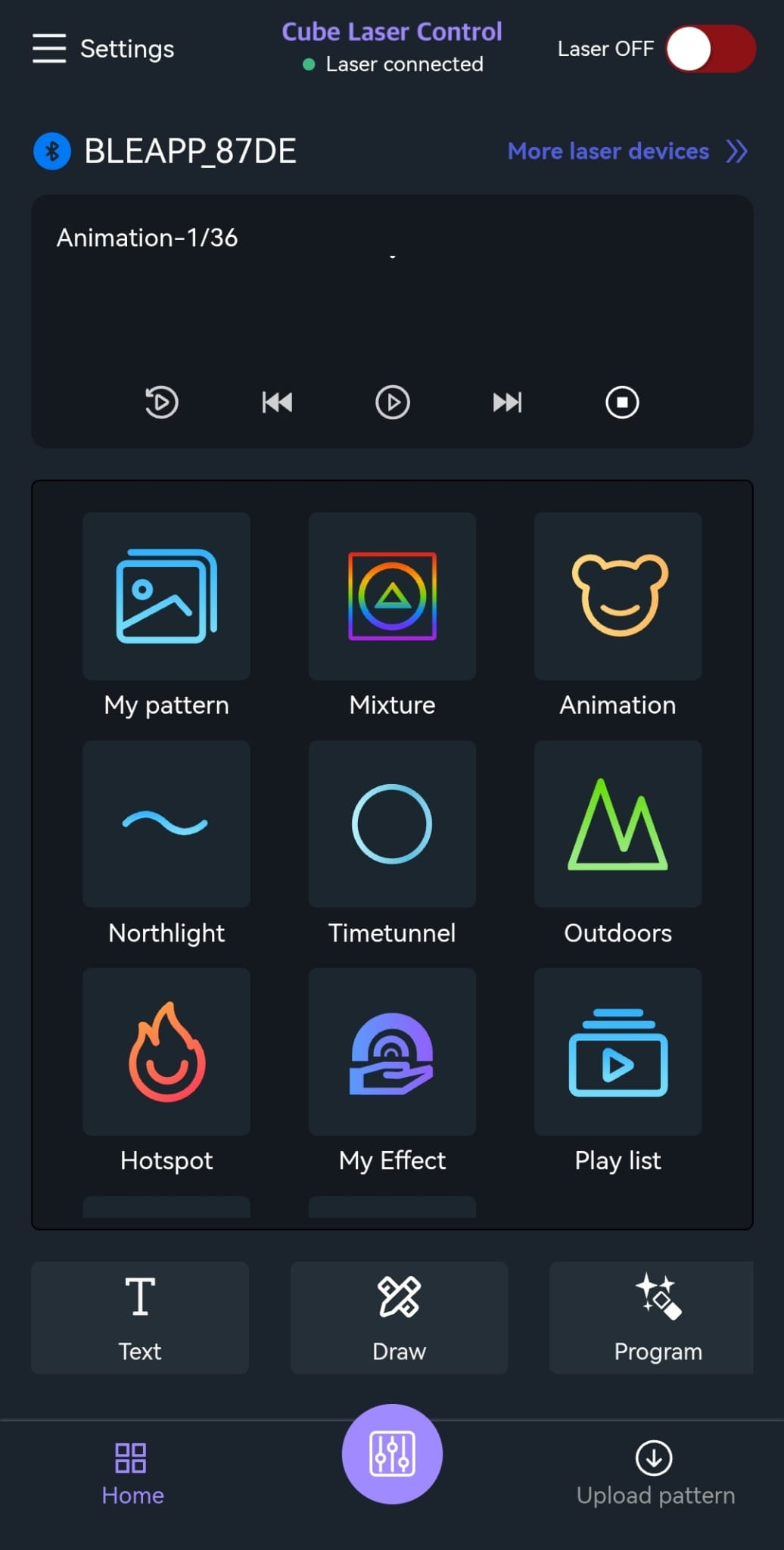
- Tap the DMX icon in the app
- Select either 16-channel or 36-channel mode
- Set the desired DMX address using the + / – buttons
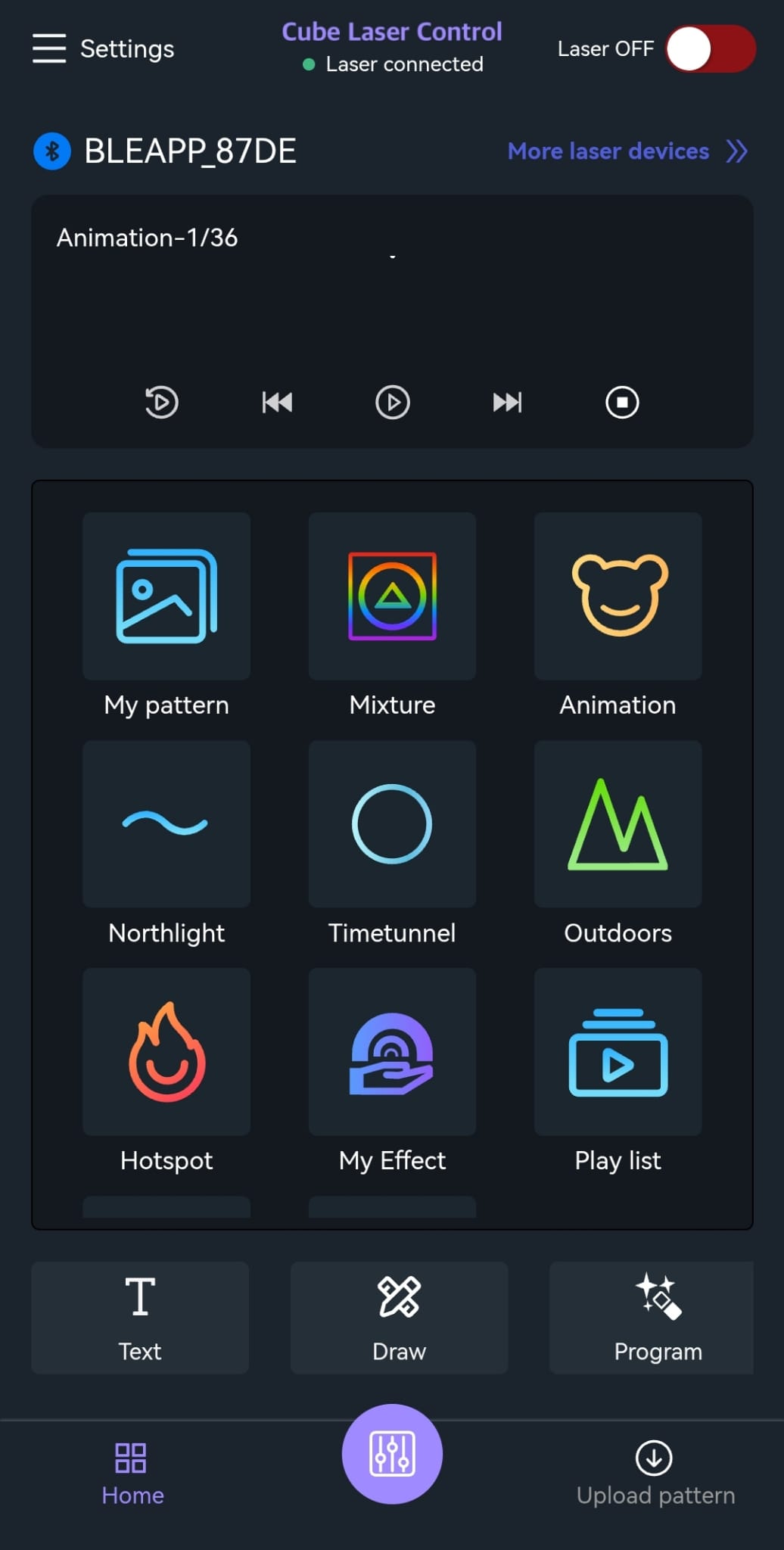
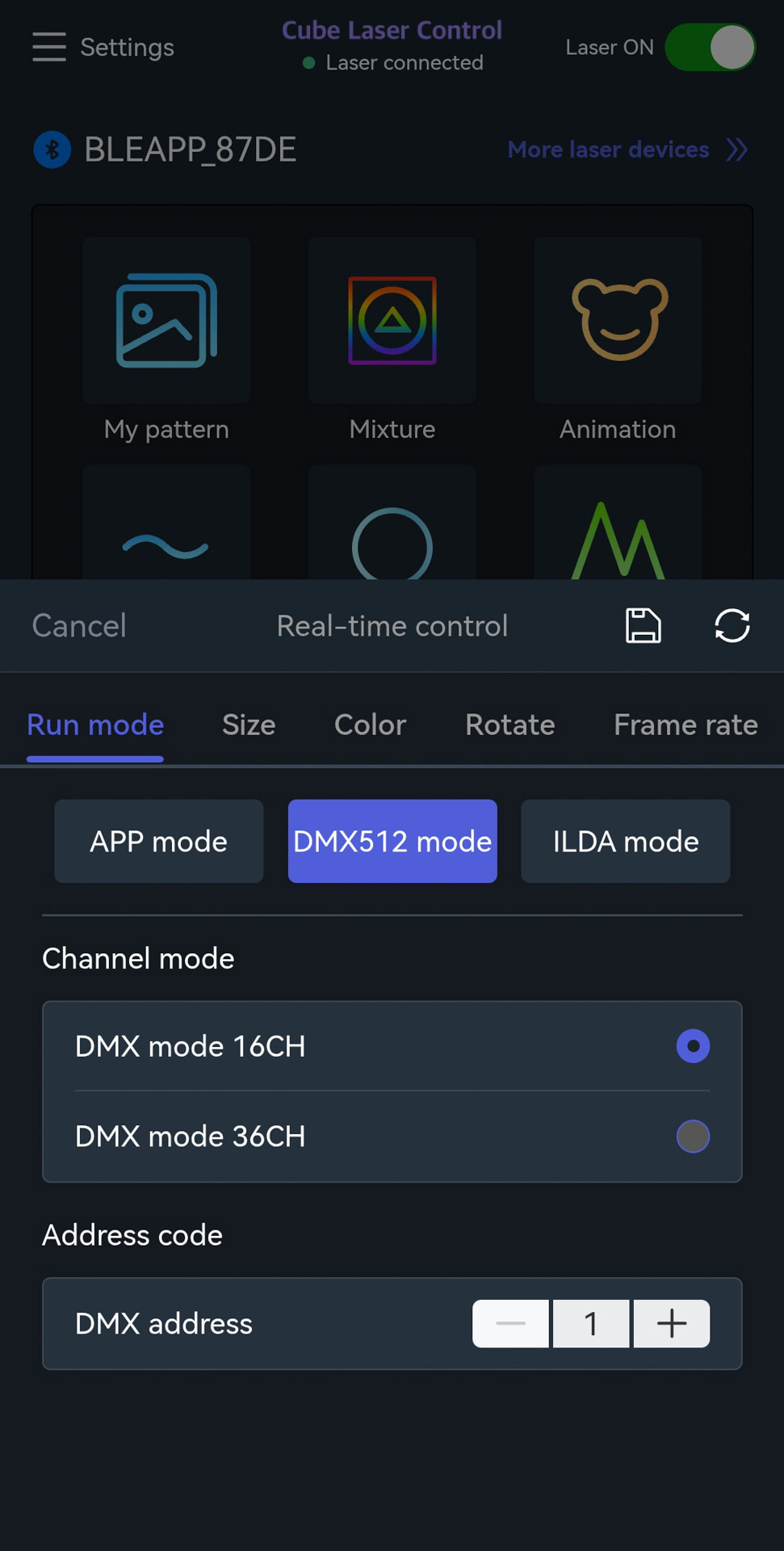
Option 2: DMX via the lower control button
- Tap the purple button at the bottom center
- A new page with DMX settings opens
- Select either 16-channel or 36-channel mode
- Adjust the DMX address using the + / – buttons
- After switching, the app’s internal control is disabled and the laser listens to the DMX control signal.
ILDA Mode
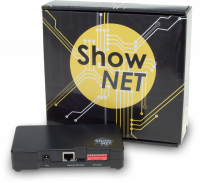
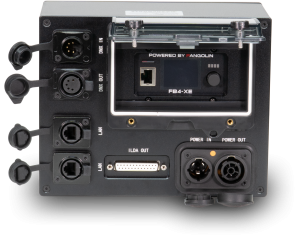
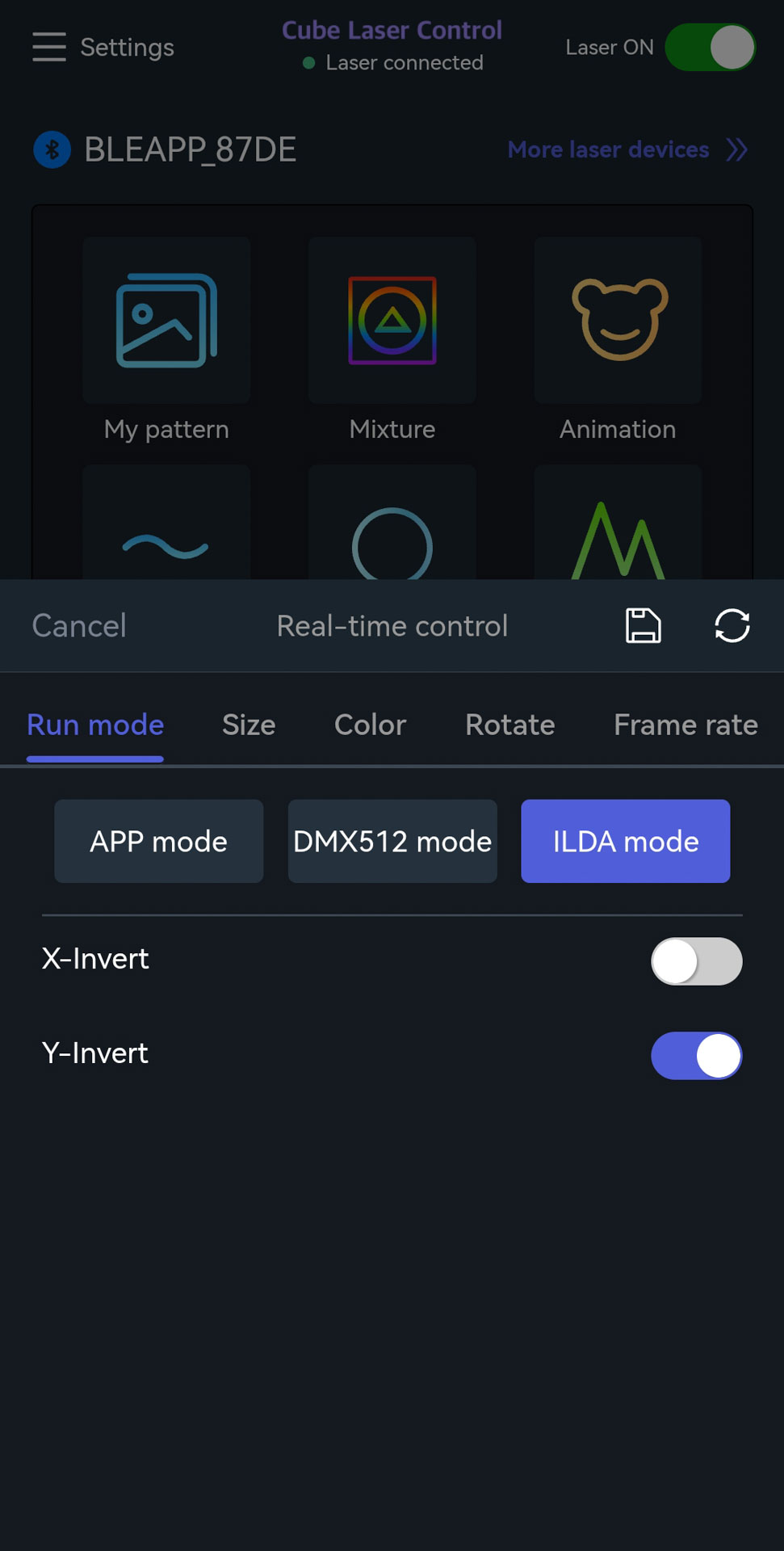
In ILDA mode, the laser is controlled via an external ILDA interface, like the ShowNET interface, to use the laser with professional external laser control software.
Option 1: ILDA mode via the ILDA icon
- Tap the ILDA icon in the app
- After switching, the app’s internal control is disabled and the laser listens to the external ILDA control signal.
Option 2: ILDA mode via Run Mode Selection
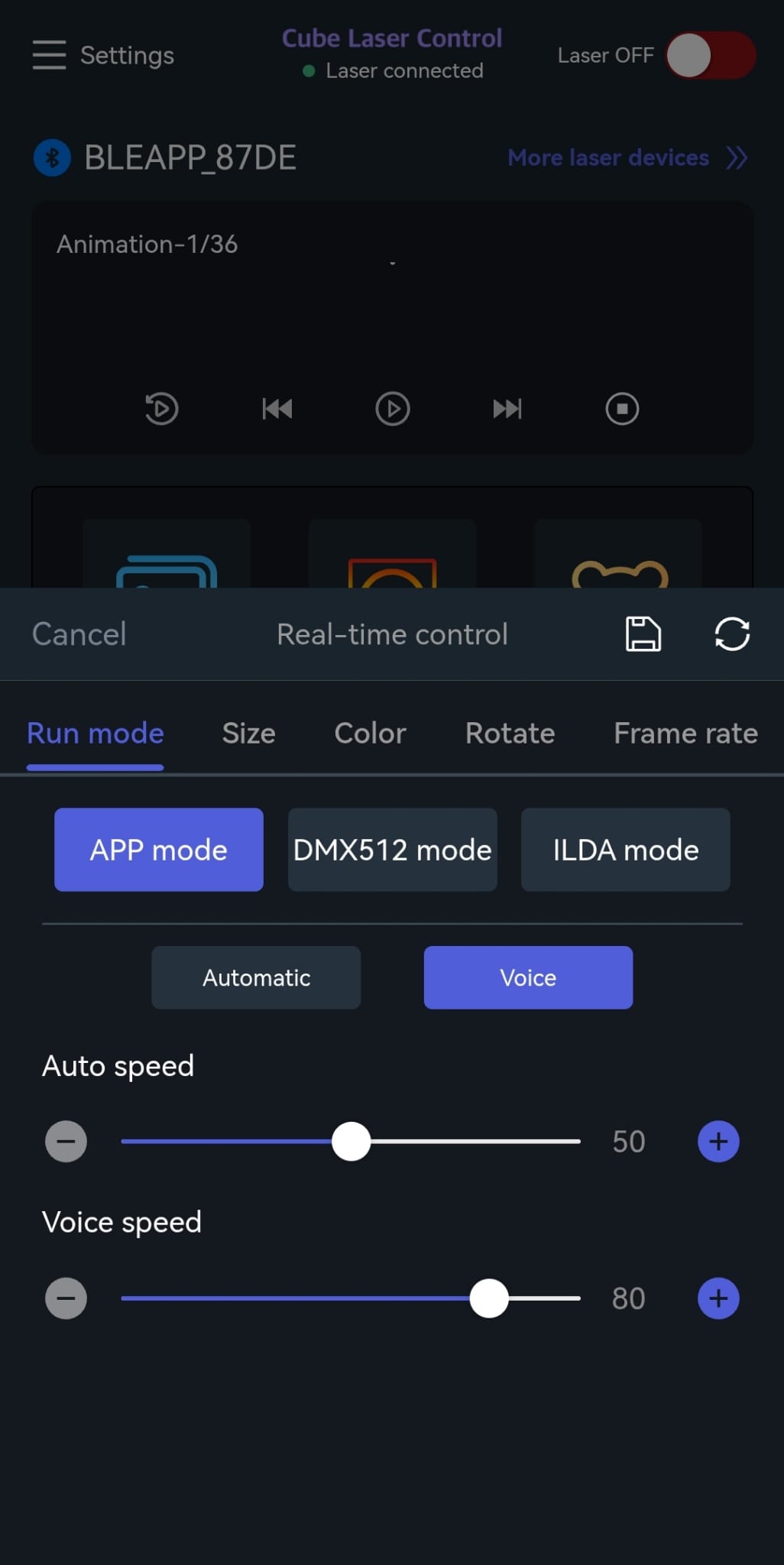
- Tap the purple button at the bottom center
- Select "Run Mode" --> "App mode"
- Switch to ILDA mode in the app (same procedure as switching to DMX mode)
- After switching, the app’s internal control is disabled and the laser listens to the external ILDA control signal.
Sound-to-Light / Music Mode
The laser automatically reacts to music or ambient sounds in Sound-to-Light mode:
- Tap the purple button at the bottom center
- Select "Run Mode" --> "App mode"
- Switch to Sound-to-Light mode in the app by clicking on the "Voice" button (for "Voice" / Music control)
- The laser analyses the audio signal via the built-in microphone
- The laser projection dynamically adapts to the rhythm and volume of the music