






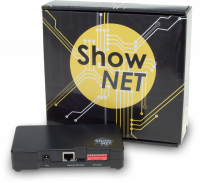







The connection between my computer and the ShowNET interface cannot be established. What can I do?
- Check the settings in the ShowNET Admin Tool.
- Check the settings of your antivirus software. Perhaps you need to add an exclusion for the software you are using to communicate with ShowNET via a LAN connection.
- Check the firewall on your local computer and make sure that the firewall enables the software/computer to communicate via LAN.
- ShowNET uses the TCP/IP protocol. To avoid any issues between the IP versions TCP/IPv4 and TCP/IPv6, please disable TCP/IPv6 in the network settings of your computer.
- Disable the Wi-Fi connection before starting the LAN connection. As soon as the LAN connection between your computer and ShowNET is established, you can usually reactivate the WLAN connection without causing any interference.