






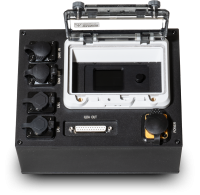
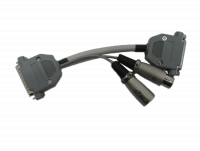
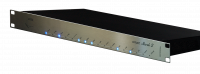



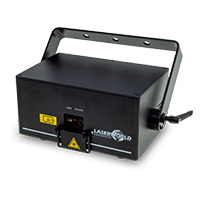
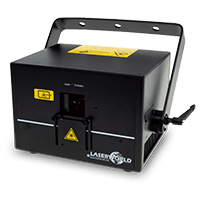
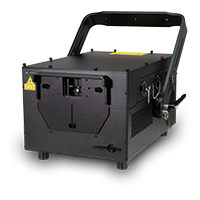
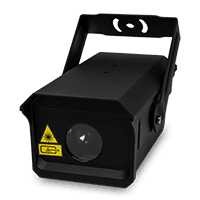
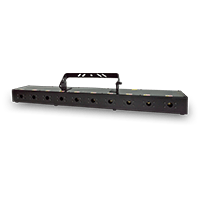
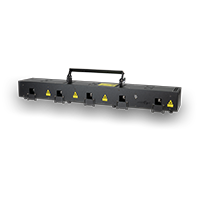

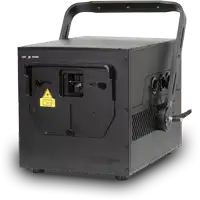

Showeditor compatible with ShowNET laser mainboard

All-in-one laser-show control for first shows and large productions
Showeditor combines timeline programming, live control and laser-graphics creation in an accessible production environment.
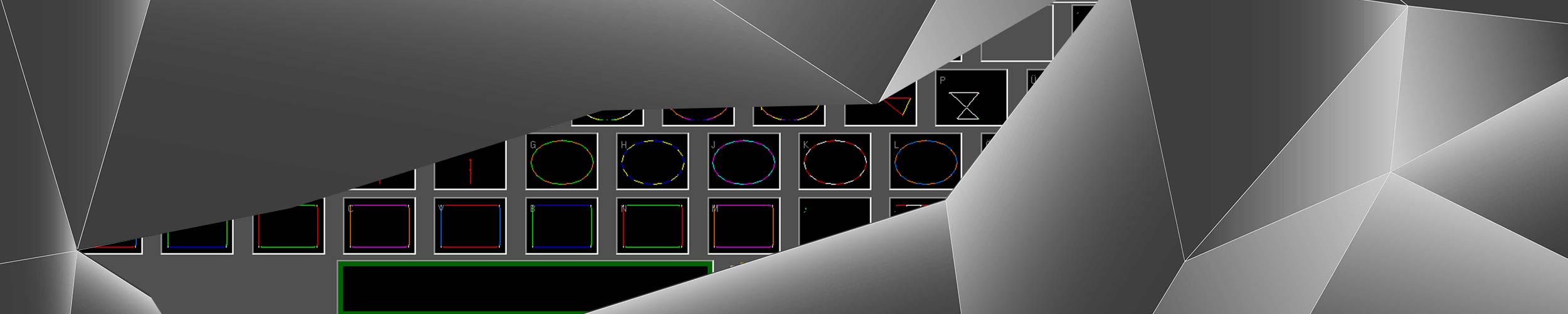
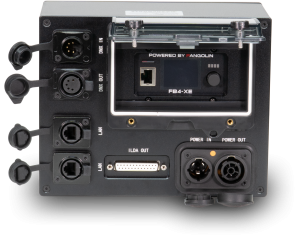
Direct laser output over LAN
Showeditor sends laser data to ShowNET using standard TCP/IP networking. One projector can be connected directly, while standard network switches make it possible to build multi-projector systems.
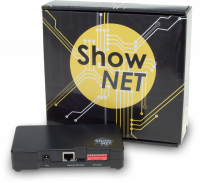
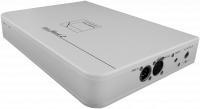
With integrated ShowNET, the network cable connects directly to the projector. An external ShowNET converts the network stream to an analogue ILDA signal for a separate projector.
The complete workflow in one application
Design original content, arrange a synchronised show or take direct control in a live environment.
Timeline programming
Synchronise laser events with audio or video and arrange effects across multiple tracks and output pages.
Live control
Trigger prepared figures, animations and shows directly during a performance.
Figure Editor
Create laser figures, logos, running text, morphing text and abstract graphics.
ILDA exchange
Import and export individual ILDA frames or complete ILDA shows.
MIDI and DMX
Remote-control live and timeline functions, and integrate lighting fixtures into the production.
Simulation and correction
Preview the show and configure scanner, colour, geometry and safety-zone settings for each output.
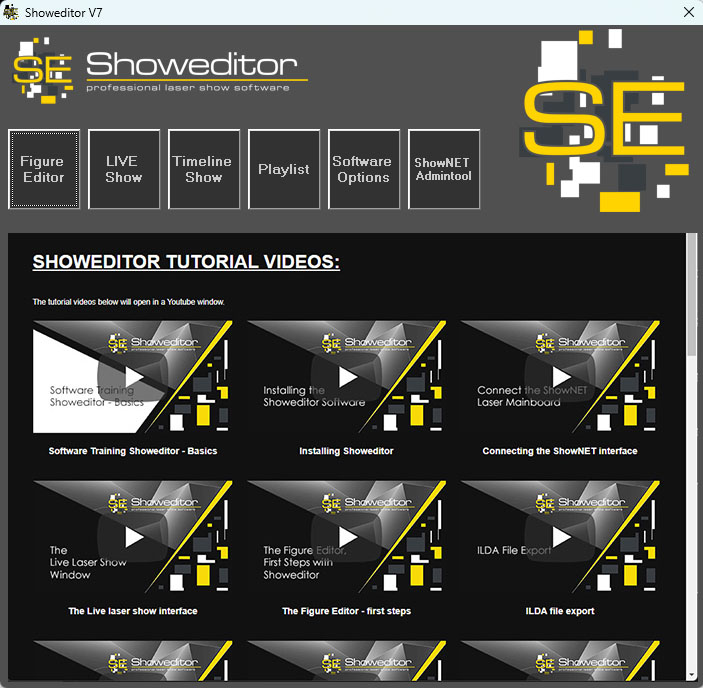
Content and profiles included
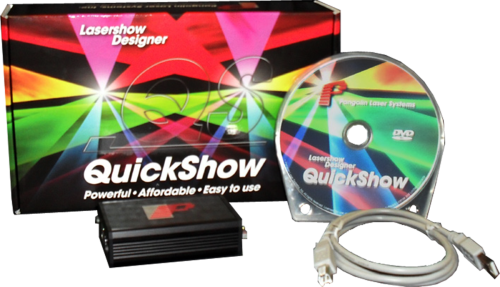
Showeditor includes a substantial library of laser shows and preconfigured MIDI profiles, helping new users get started while leaving experienced operators access to detailed optimisation and output controls.
- Laser frames, animations and show content
- Bitmap tracing and vector-content tools
- Text and abstract generators
- Playlist and multi-screen workflows
- Per-interface output calibration
From first frame to projector output
- Connect the ShowNET device and control computer to the same network.
- Discover and configure each interface in Showeditor.
- Create or import laser content and assign it to live cues or the timeline.
- Calibrate every projector, verify all safety measures and enable output only when safe.
Use the licence supplied with ShowNET
The current Showeditor installer and manual are available from the official product website. Keep the software, ShowNET firmware and project backups under controlled production change management.
Showeditor website