






Laser drawing
Draw editable vector paths in Millumin and animate their selection and phase parameters.
Millumin is a show-conductor platform for audiovisual productions, mapping, lighting and interactive installations.
Its laser layers can send drawings, ILDA files and vectorised pixel media directly to ShowNET alongside the video and lighting elements of a production.
Visit Millumin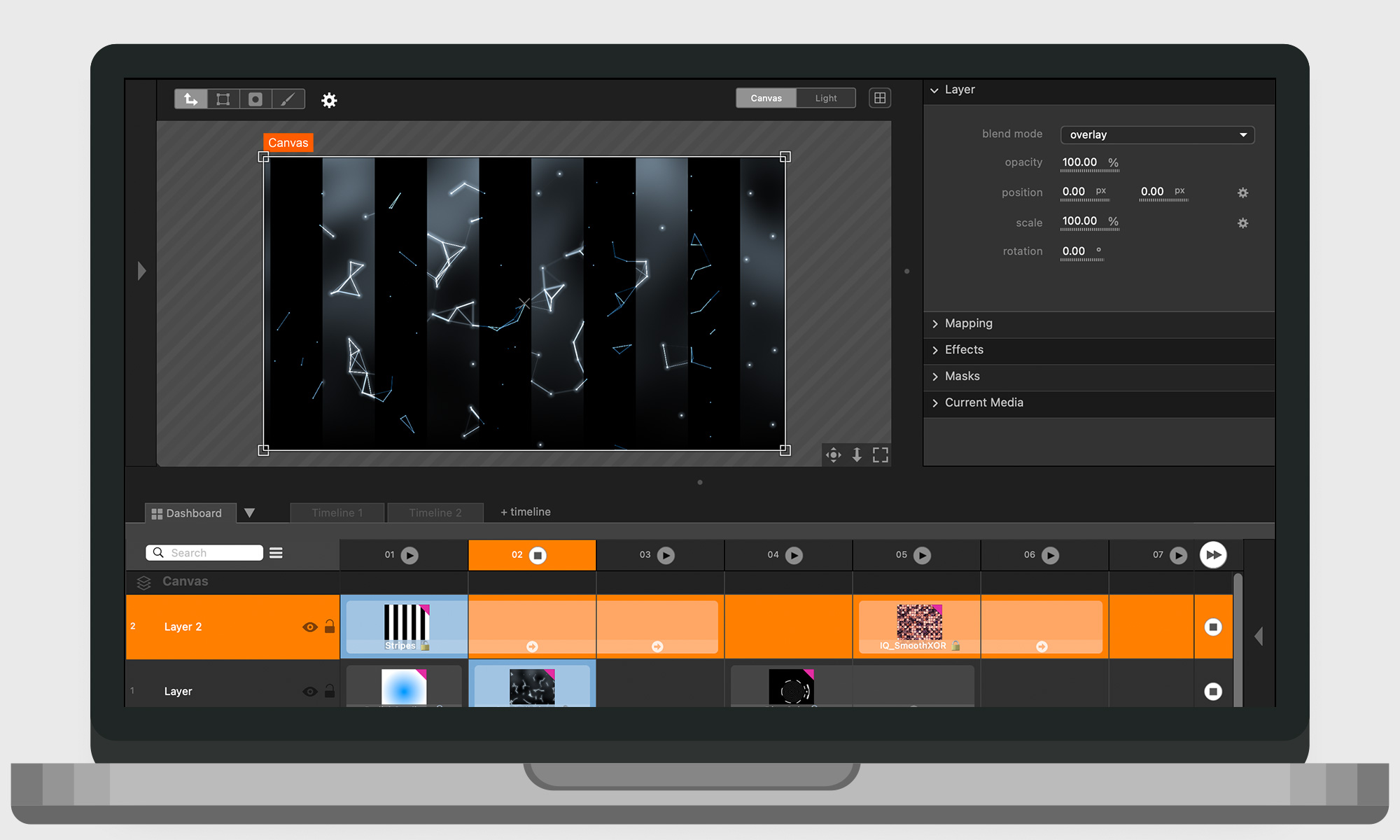
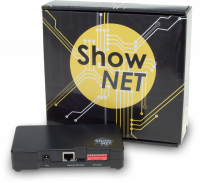
ShowNET is one of the DAC types supported by Millumin’s laser add-on. Create a laser layer, assign it to a configured laser output and send the resulting paths over the network to ShowNET.
Multiple laser layers can target the same projector output, allowing drawings and media to be stacked before output.
Millumin applies the layer’s translation, scale, rotation, mapping, opacity and transitions to the resulting laser projection.
Draw editable vector paths in Millumin and animate their selection and phase parameters.
Import ILDA content into the media library and place it into the audiovisual composition.
Convert pixel-based media automatically into paths suitable for scanner-based laser output.

Because the laser content is part of the Millumin project, it can follow the same dashboard, timeline, transition, interaction and data-driven workflows used by the rest of the show.
Millumin laser guide

Millumin is a software developed by Anomes SARL. The name Millumin is a creation of the two words “my” and “illuminate”. The development of Millumin started in 2010 in a theater and artistic environment, but has evolved to a much more powerful software since.
Download the Millumin software here: https://www.millumin.com