







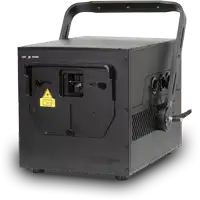

CloudLase Studio
The desktop application for macOS, Windows and Linux. Design visuals, build timelines and drive supported DACs—including ShowNET—in real time.

CloudLase Studio is desktop laser-show software for creating visuals, building timelines and operating projectors in real time.
The desktop Studio runs on macOS, Windows and Linux and includes direct hardware output for ShowNET alongside other supported laser interfaces.
Visit CloudLase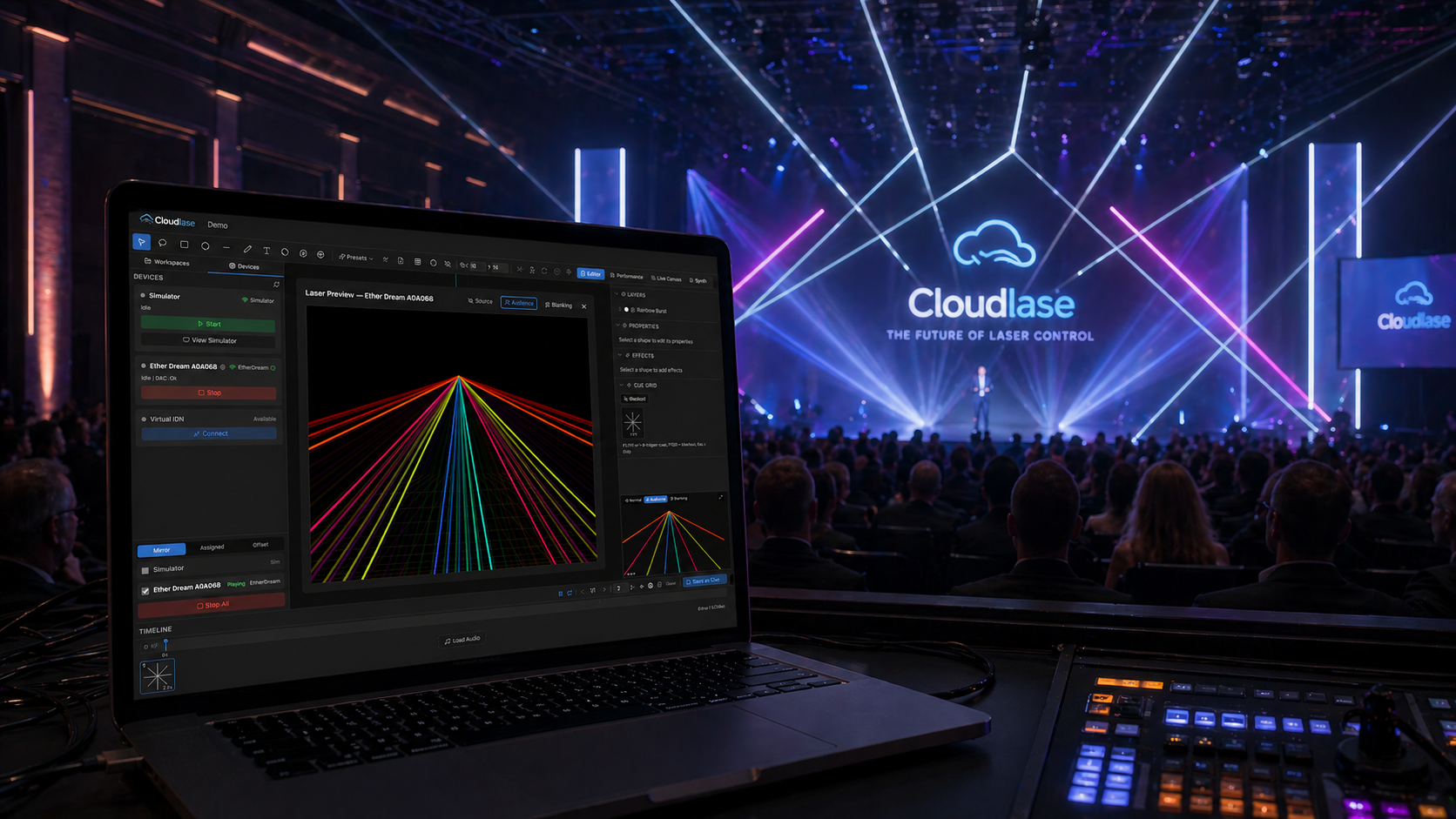
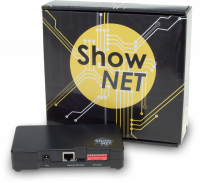
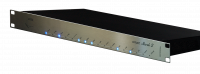
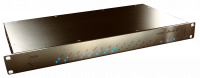
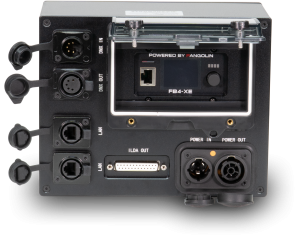
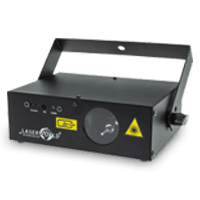
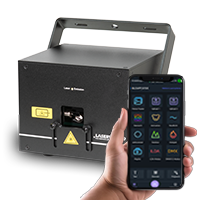
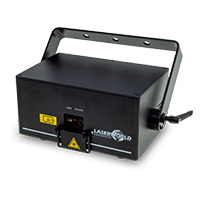
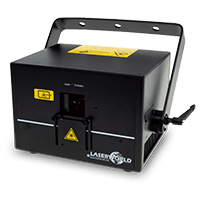
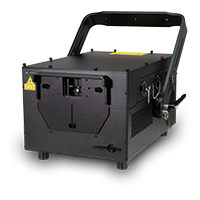
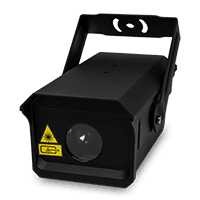
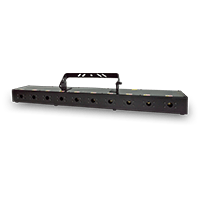
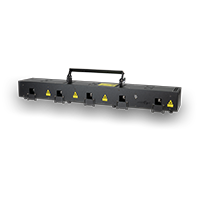
CloudLase Studio lists ShowNET among its supported laser-output devices. The desktop application sends output over the local network and provides per-projector calibration profiles.
This makes the ShowNET-equipped laser part of the same workflow used to design visuals, program a timeline, preview a show and perform it live.
CloudLase separates different parts of the creative workflow into products for desktop production, browser-based design and mobile performance.
The desktop application for macOS, Windows and Linux. Design visuals, build timelines and drive supported DACs—including ShowNET—in real time.
A browser-based environment for creating and editing ILDA shows, with workspace synchronisation to the desktop workflow.
The iPhone and iPad performance app. For direct ShowNET output, use the compatible desktop Studio workflow described on this page.
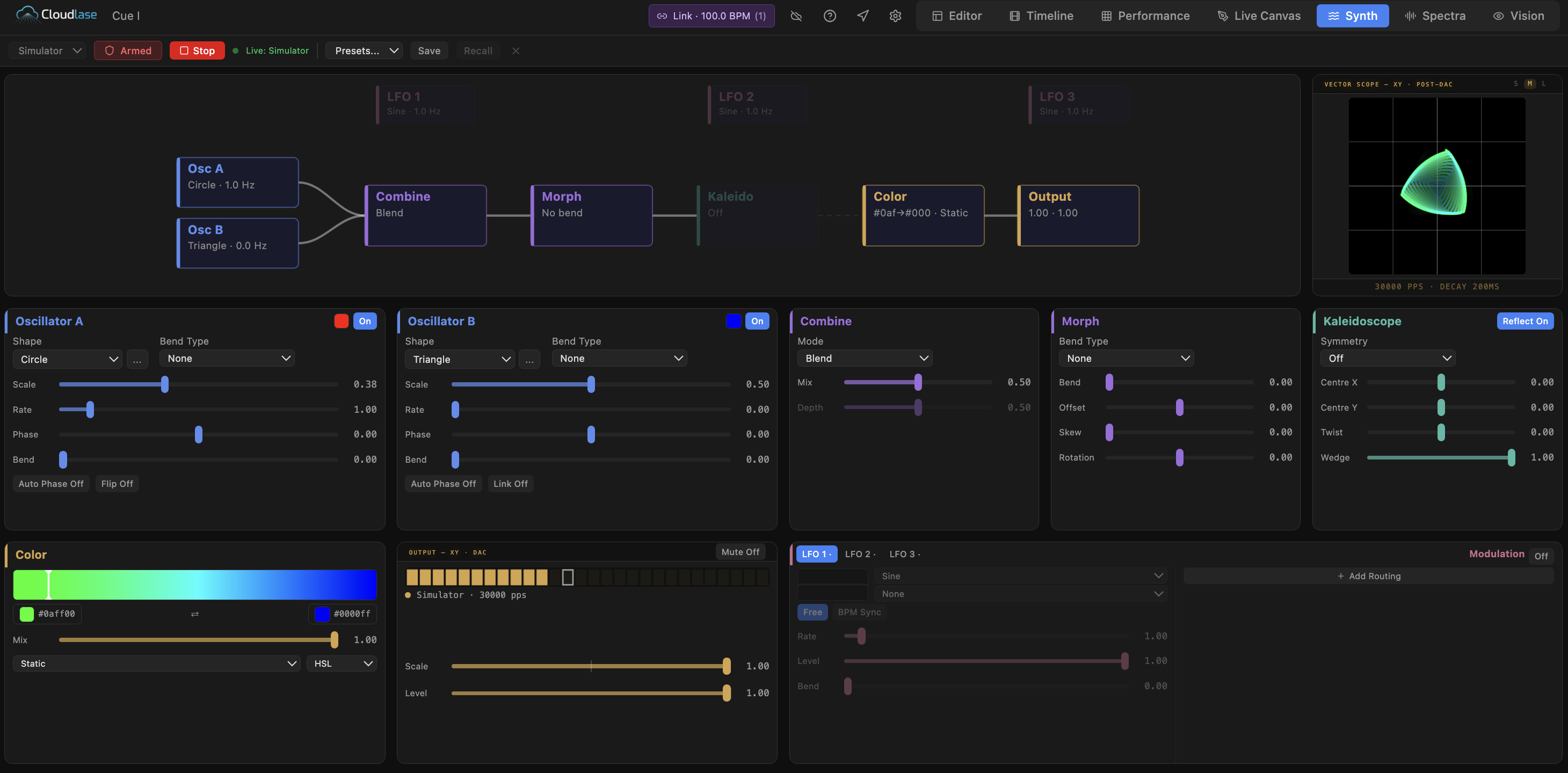
CloudLase’s laser synth uses two oscillators, morphing, kaleidoscope symmetry, BPM-synchronised LFOs and a patchable modulation matrix to create animated vector looks.
ILDA content can also be imported, played back and exported, making it possible to combine existing assets with new material.
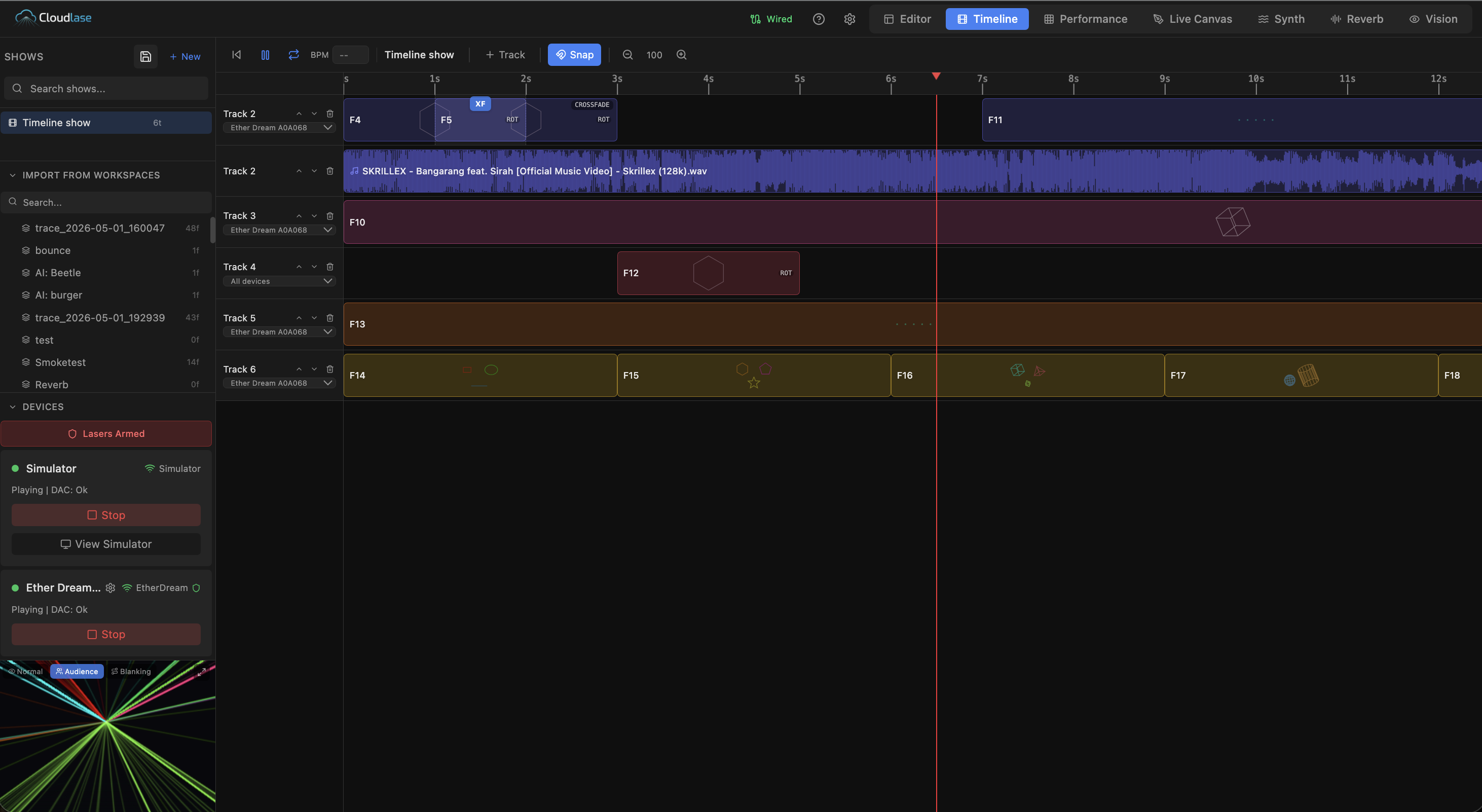
Arrange laser clips, transitions and audio on a multi-track timeline. CloudLase can analyse a track, divide its arrangement into sections and generate beat-locked looks that remain editable clip by clip.
Audio analysis can route bass, mid and treble information to effect parameters, while Link synchronisation connects the laser workflow with compatible DJ and music systems.
Create and modify laser-ready vector content within the same project used for playback.
Sequence complete laser shows against music with editable clips and transitions.
Operate and adapt laser looks in real time for live productions.
Use beat detection and frequency bands to drive effect parameters from files, system audio or a microphone.
Import and play ILDA material or export finished content for use in other compatible workflows.
Preview the programmed result and maintain calibration profiles for the connected projectors.