









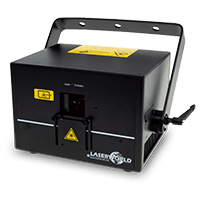
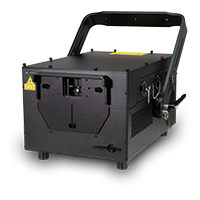
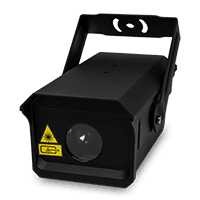
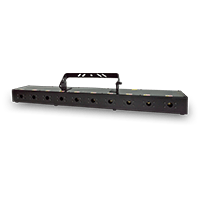
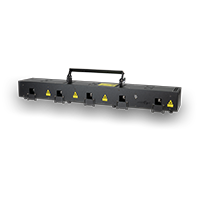

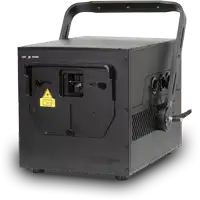

Laserworld CUBE Series - Sound-to-light Operation
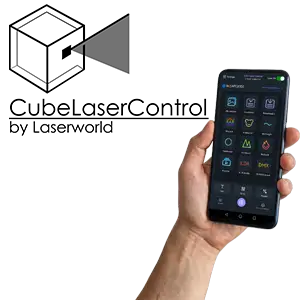
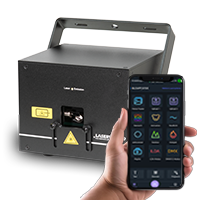
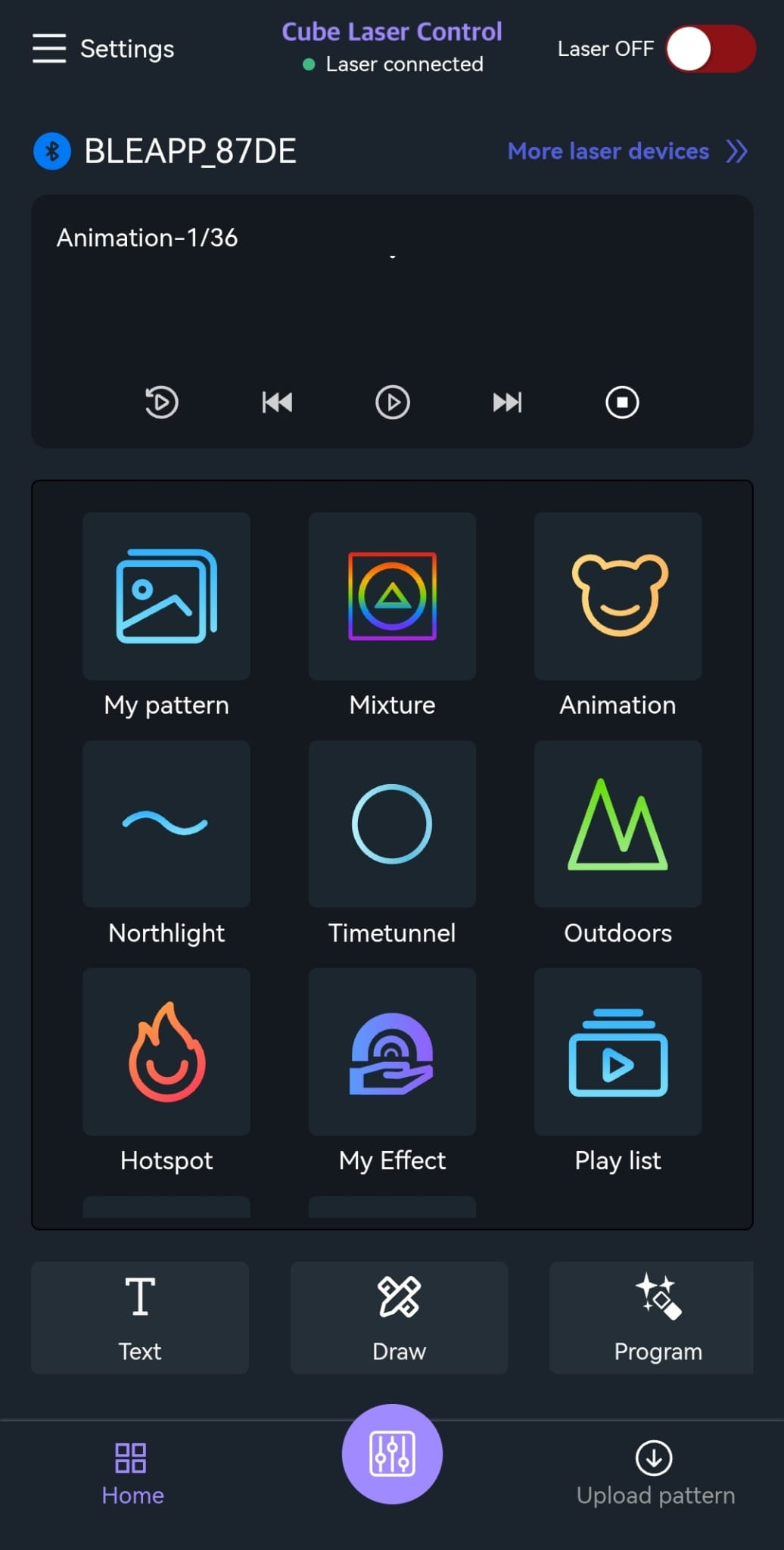
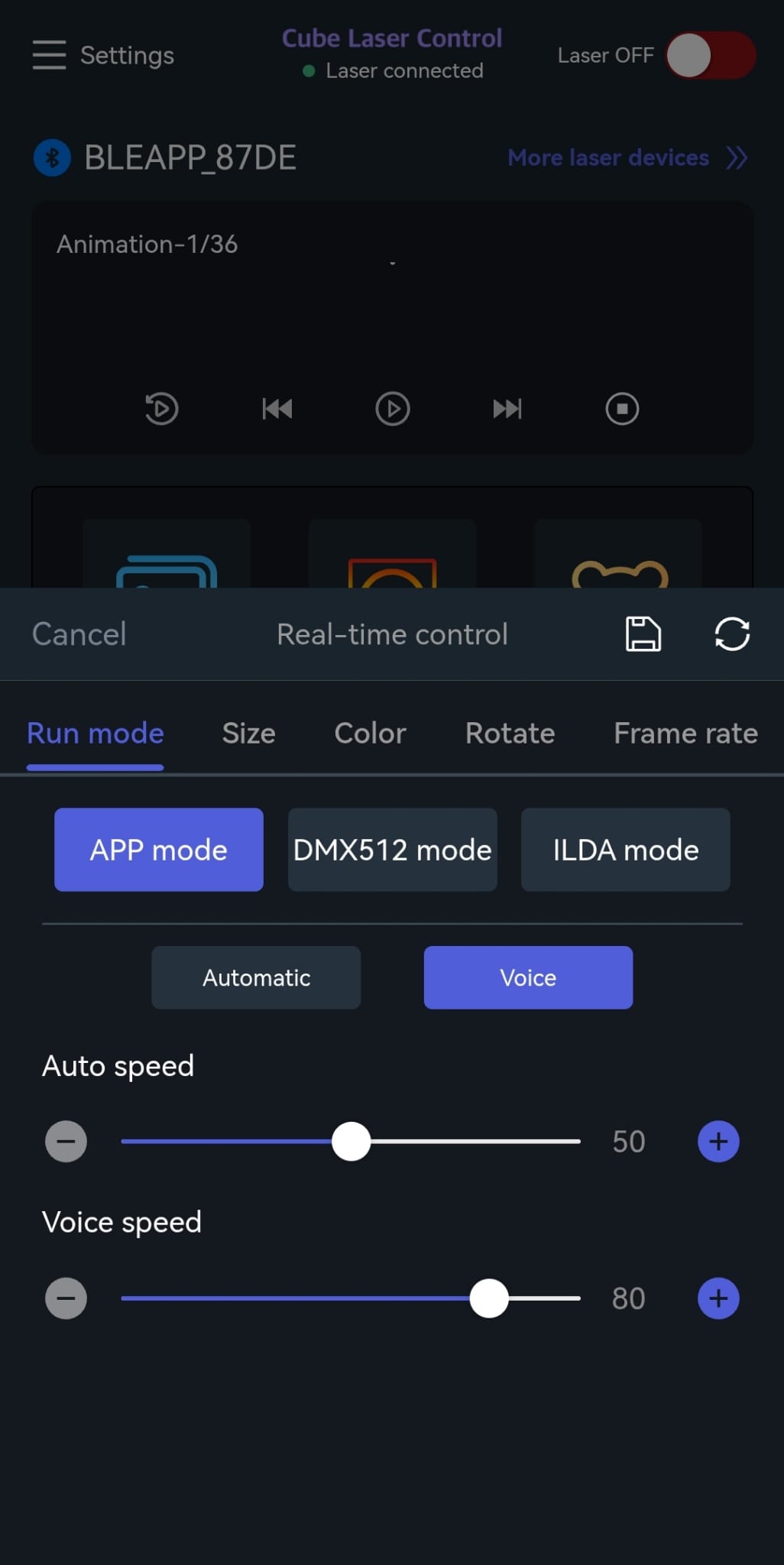
Activate Sound-to-Light mode with the App:
- Press the purple button at the bottom center
- Click the following buttons:
- Run mode
- APP mode
- Voice
Now the Sound-to-Light operation is active.
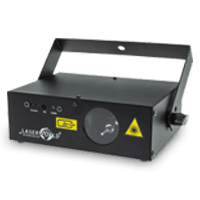
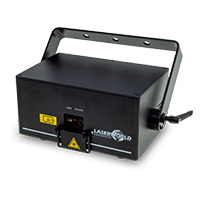
Activate Sound-to-Light mode at the Laser:
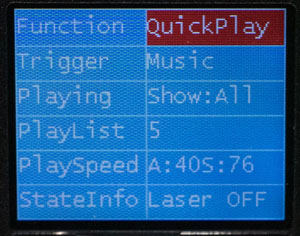
- Function -> Quickplay
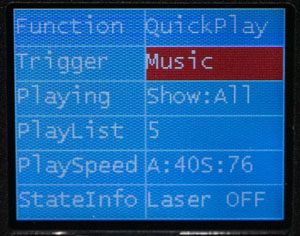
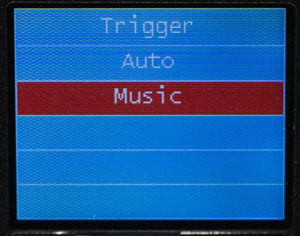
- Trigger -> Music