








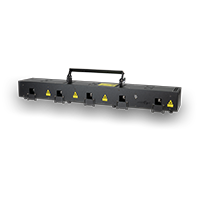

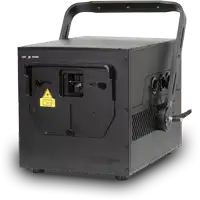

Laserworld CUBE Series - Automatic Operation
In stand-alone operation mode the files on the internal memory are triggered automatically.
They are not modified, but just played back consecutively as they are saved to the memory and in a general loop. The playback speed and the duration of the playback of each file depends on the number of frames each file consists off
(Video: Adjust the speed of an animation in Showeditor).
Setting Automatic Operation / Quickplay
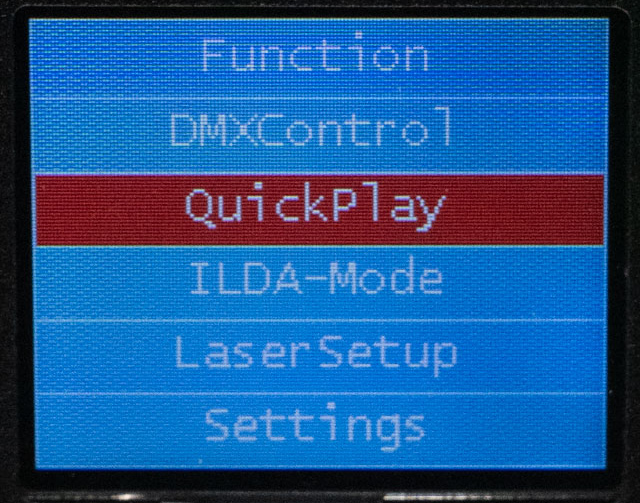
- Turn the rotary knob to Function.
- Press the rotary knob to confirm the selection.
- Navigate to the QuickPlay field.
- Press the rotary knob to confirm the selection.