











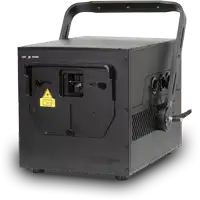

Create and use Playlists in the Cube Laser Control App
Create and Use Playlists in the Cube Laser Control App
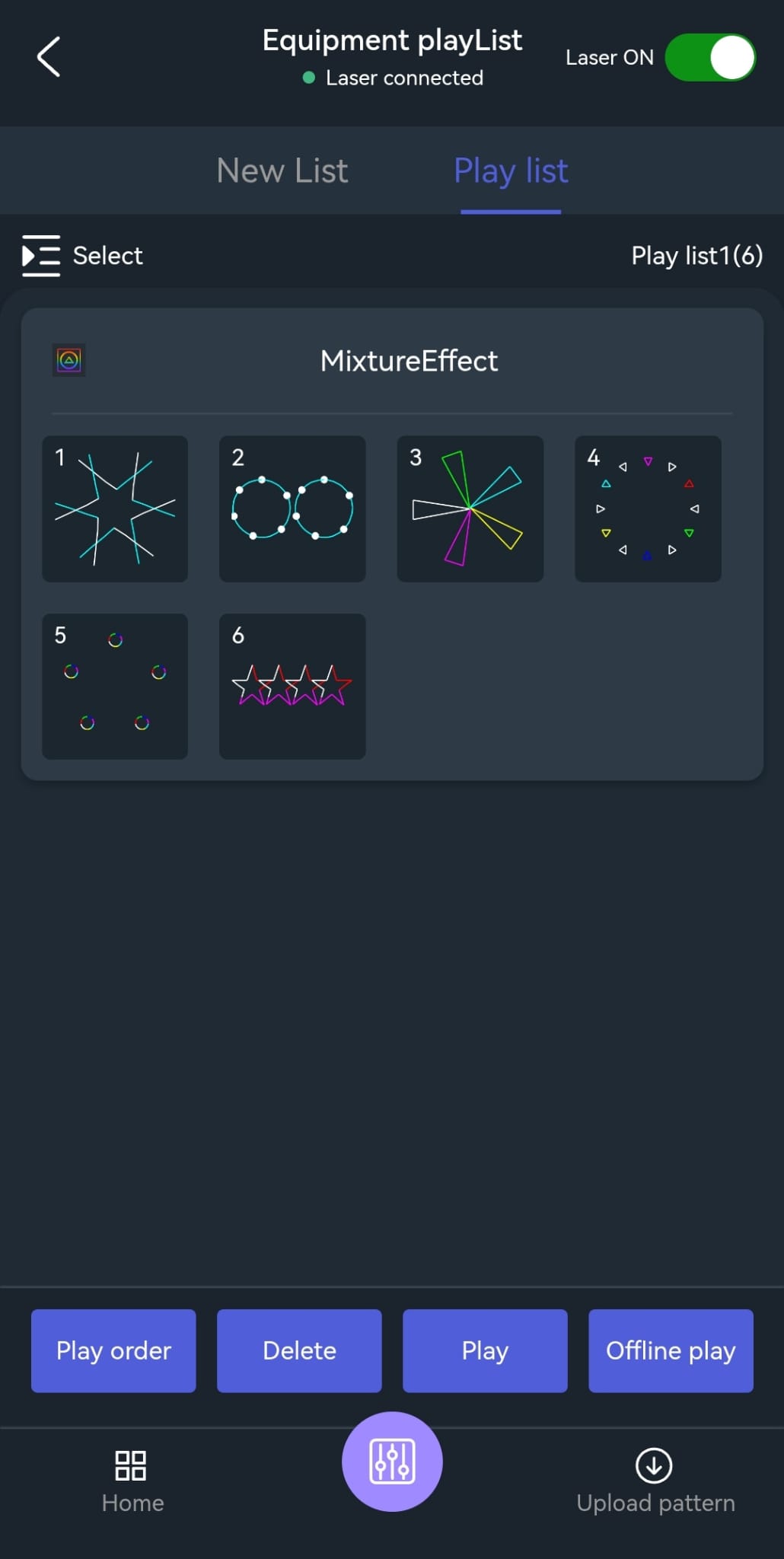
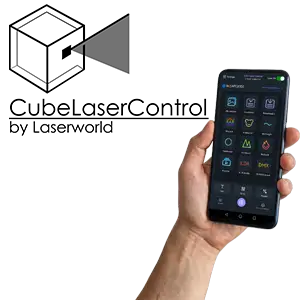
With the Cube Laser Control App, playlists can be created to automatically play back multiple laser effects, patterns, texts, or animations in a predefined sequence.
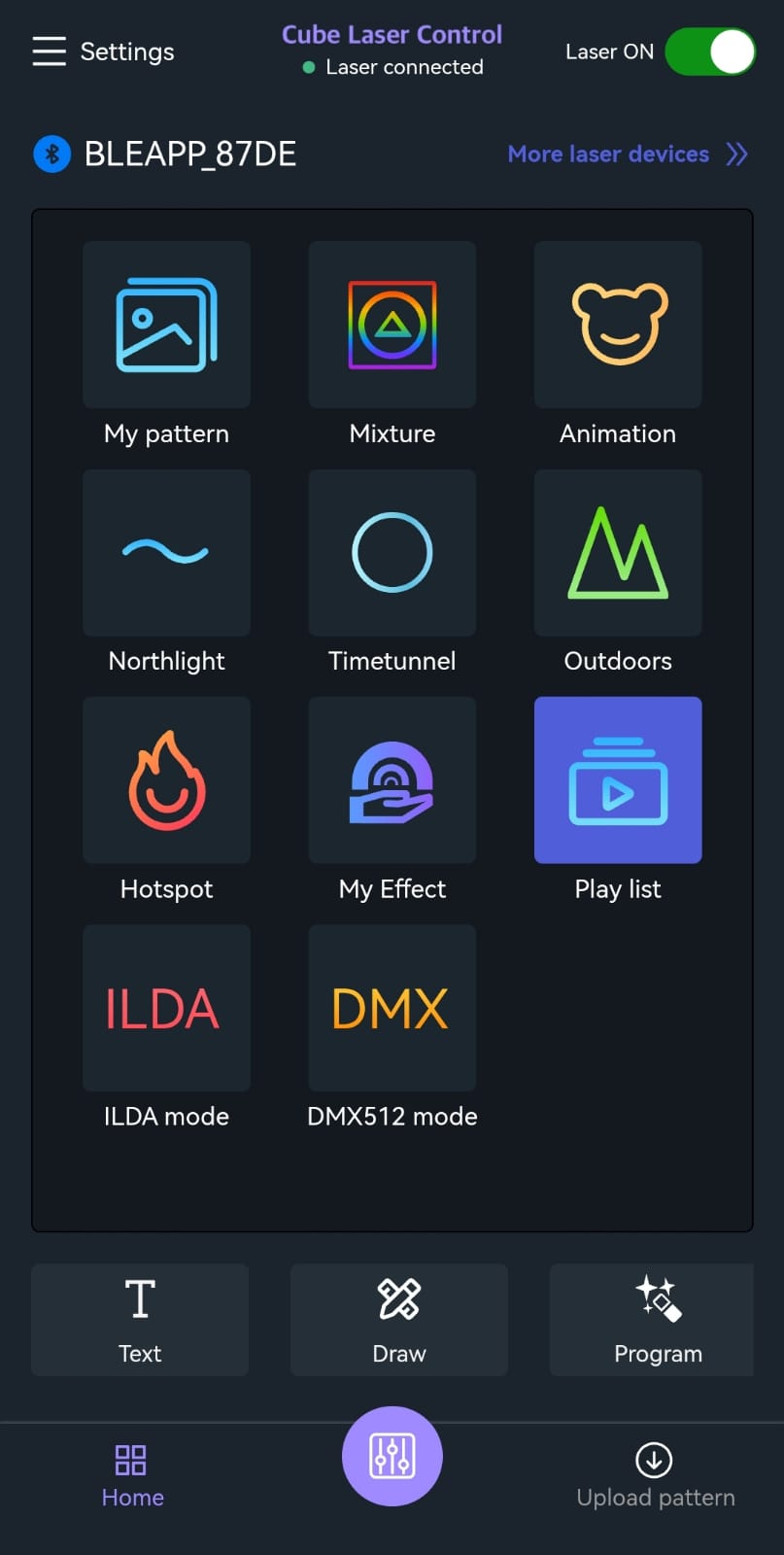
Create a Playlist:
- Tap the “Playlist” icon.
- Select "New Playlist".
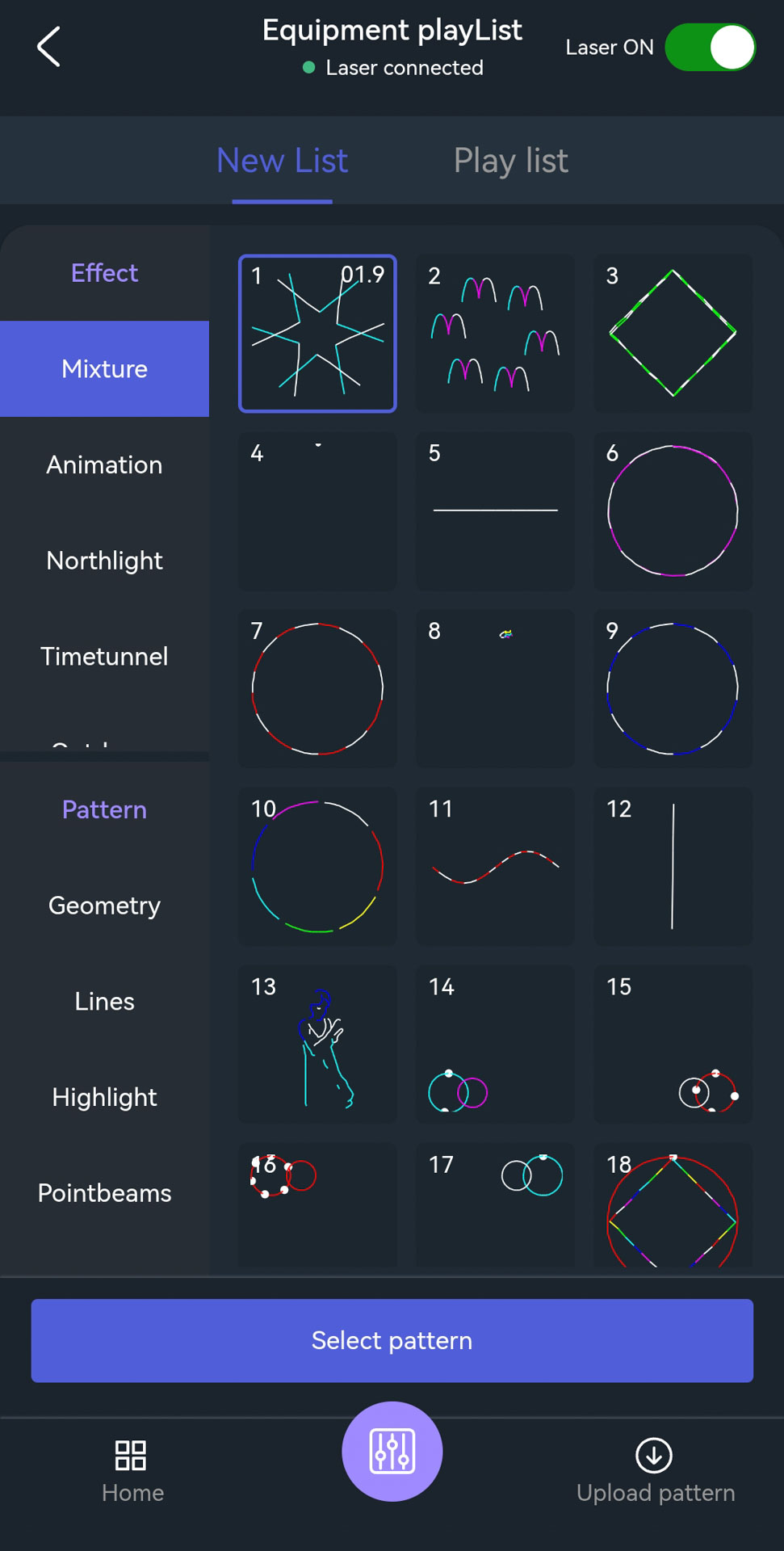
- Tap the "Select Pattern" button.
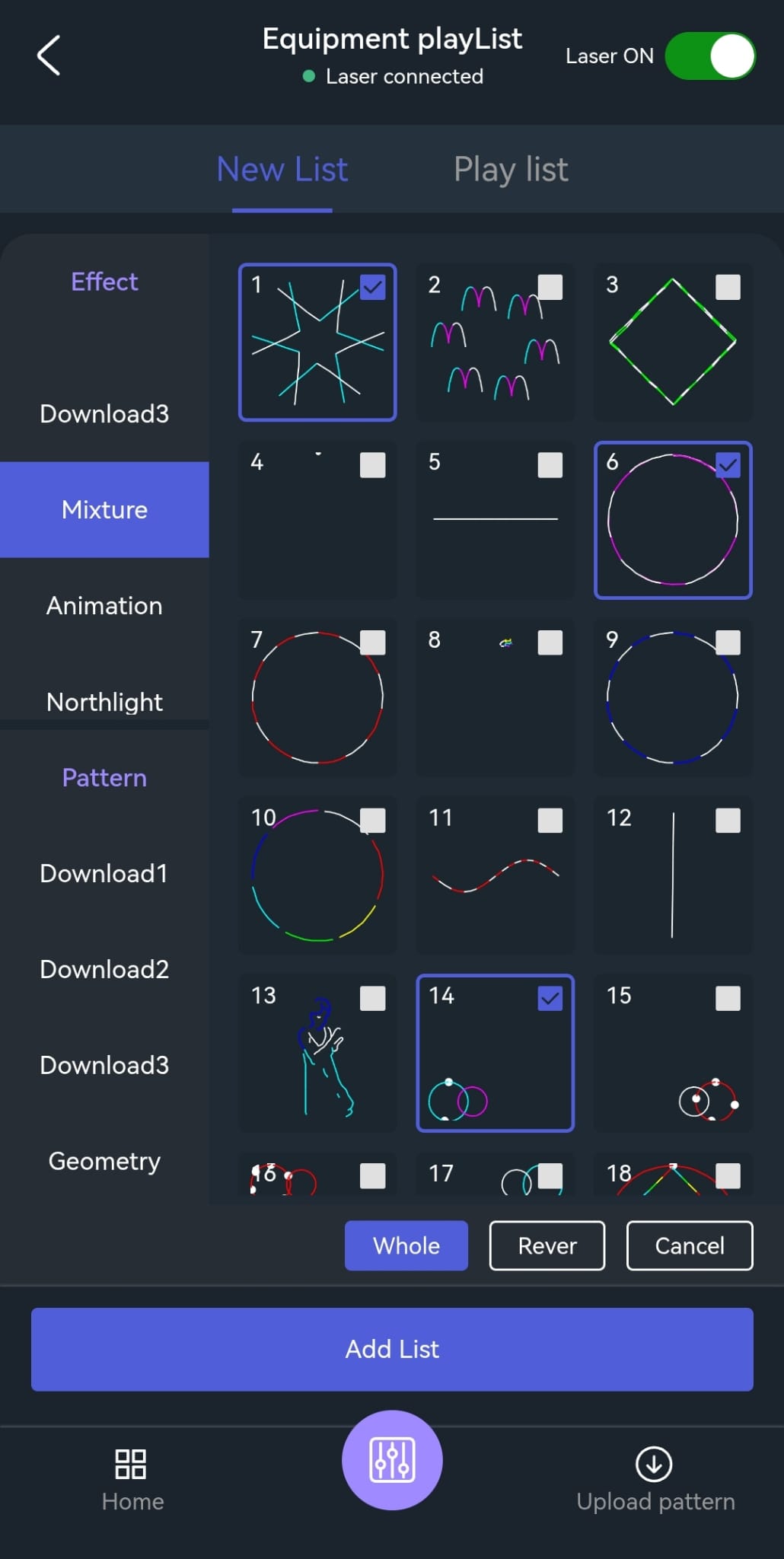
- Select all desired patterns; custom patterns can also be selected.
- Tap the "Add list" button.
- Select the desired playlist and then save it.
Edit and play a Playlist
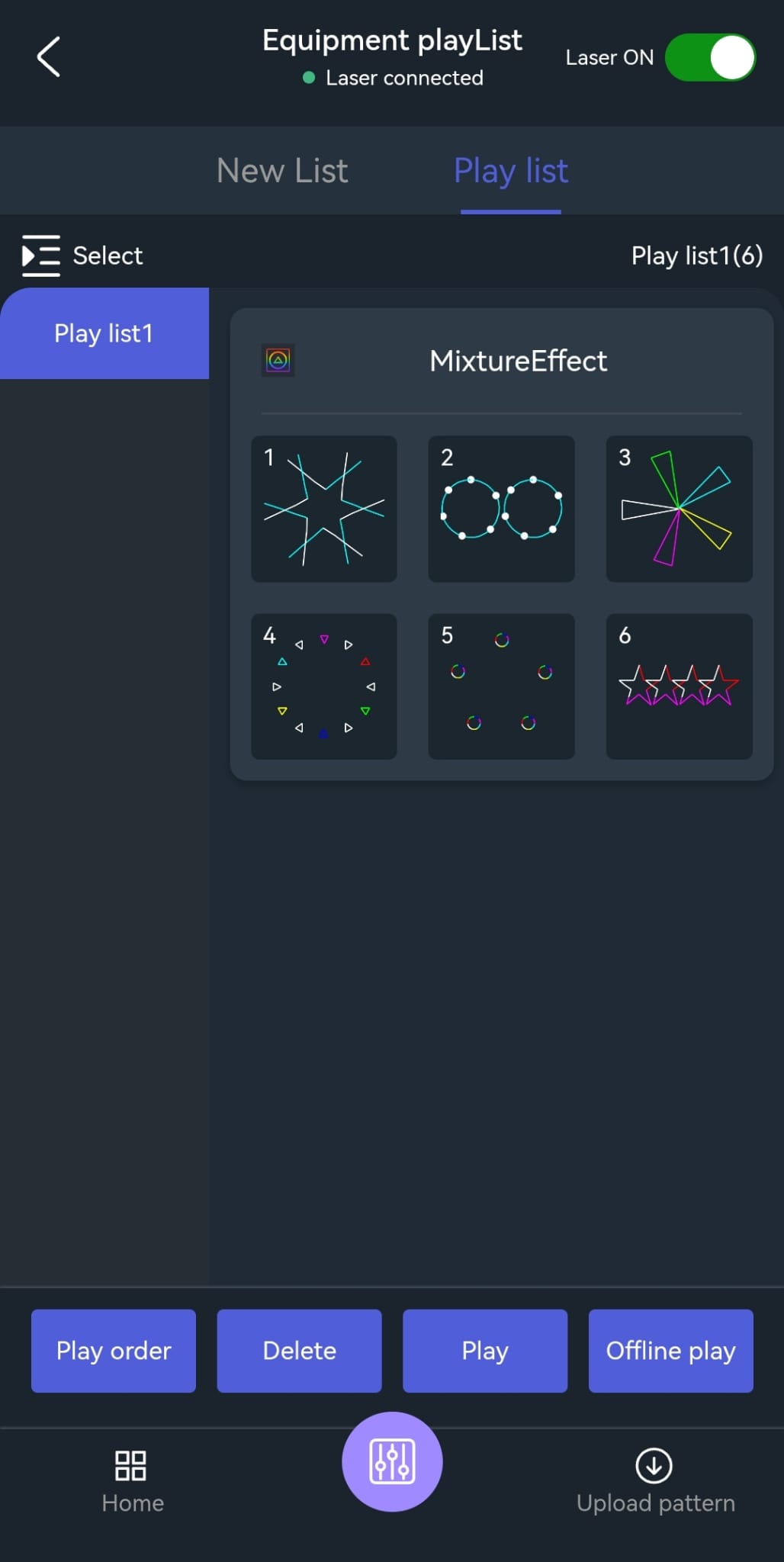
- Tap the Playlist icon.
- Select the playlist in the top right corner and tap to open it.
- The order of the playlists can be customized.
- Patterns can be removed from the playlist using "Delete".
- To play a playlist, select one from the list
- Tap “Play order”, “Play”, or “Offline play” to start the playback.
- Individual elements can be skipped manually if needed.